


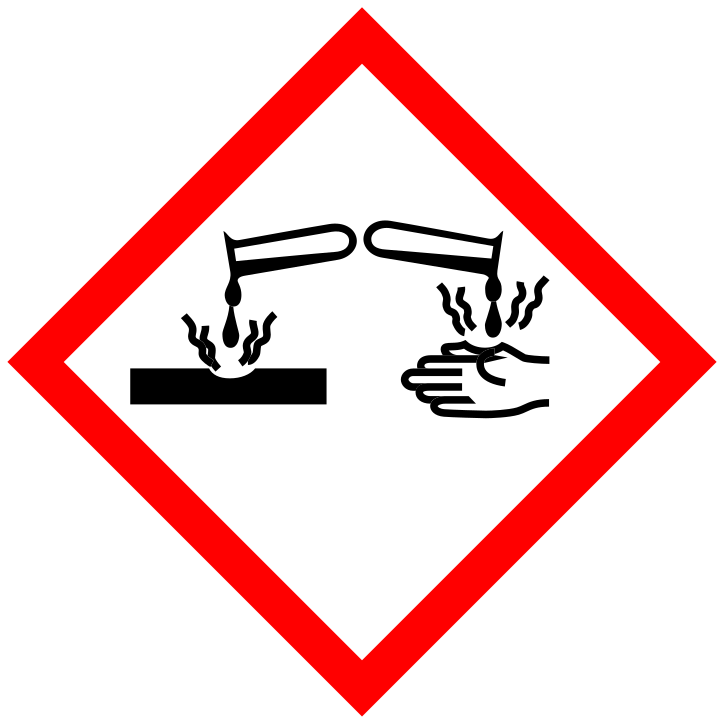

Substance register
Record every substance with name, manufacturer, work area, quantity, pictograms, and storage class.

MANAGE HAZARDOUS SUBSTANCES
Hazardous substance regulations require a complete register of all hazardous materials on site. Avenico brings classification, safety data sheets, substitution checks, and operating instructions together in one workspace.
OPERATING INSTRUCTIONS
You complete the required sections for each substance directly within avenico. This includes hazards to humans and the environment, protective measures, emergency procedures, first aid, and disposal. The layout follows technical rule TRGS 555. If required information is missing, those spots are clearly highlighted in the PDF. Avenico never fills empty fields with generic filler text.
IDENTIFY GAPS
In many organizations, safety data sheets sit in physical folders while instructions are scattered across network drives. Avenico continuously checks where required documentation is missing. If a classification, an up-to-date safety data sheet, a risk assessment, or an operating instruction is missing, avenico lists it in the overview of open items. For every substance, your team also records whether a less hazardous alternative was evaluated. This gives you full visibility over every workspace.
FEATURES IN DETAIL
From incoming safety data sheets to signed documents posted at the workplace.
Record every substance with name, manufacturer, work area, quantity, pictograms, and storage class.
Store the date of the safety data sheet and keep track of required updates at all times.
Document for each substance whether a less hazardous alternative was evaluated and what the outcome was.
Generate standardized operating instructions covering hazards, protective measures, emergency response, and disposal.
See at a glance which substances are missing classifications, data sheets, or instructions.
Unfinished sections are explicitly marked in the PDF and are never masked with automated boilerplate text.
WORKFLOW
How your team adds new substances and keeps safety documentation current.
Enter the name, manufacturer, work area, and stored quantity of the substance.
Add hazard pictograms, signal word, and storage class directly from the safety data sheet.
Record whether a less hazardous alternative was considered and document the result.
Fill in the sections following TRGS 555 and export the completed operating instructions as a PDF.
QUESTIONS & ANSWERS
READY FOR A CLEARER OVERVIEW?