

Sign in to the workspace
How to sign in to the avenico workspace with your business e-mail address.
Before you start
- An administrator in your organization has set up an account or sent you an invitation.
How to do it
- 1
Open the avenico sign-in page in your browser and enter your e-mail address in the field Geschäftliche E-Mail-Adresse (or Business e-mail address).
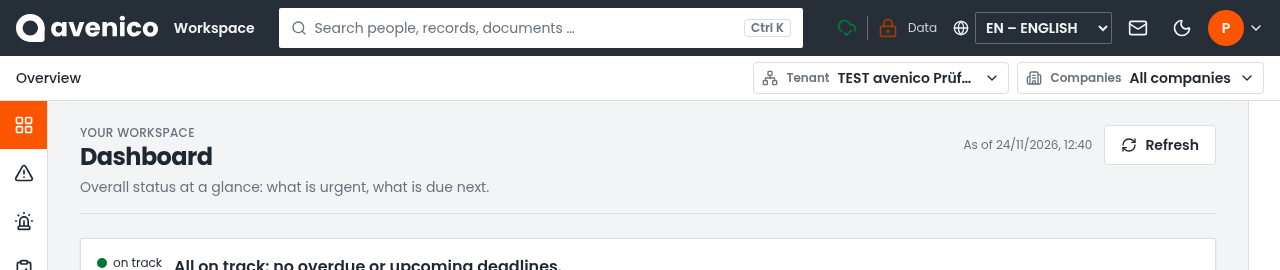
Example from a test account with fictional data - 2
Click Weiter (or Continue).
- 3
Enter your password or authenticate with your passkey if configured.
What happens next
Troubleshooting
I do not have an account yet.
User accounts are created by your organization's administrators. Contact your EHS or IT administrator for an invitation.
I am an employee looking for my personal training and checkup tasks.
Personal tasks, health checkups, and training modules can be accessed through the employee portal via the link on the sign-in page.
Related articles
Updated: 24/11/2026 · Version 2 · #10473925
Changes in this version: fix:2026-11-24:10473925