

Reading notifications and messages
Internal messages allow you to exchange information on specific cases. Linked business objects make clarification easier directly on the correct record.
Before you start
Hinweis:
- You are logged into avenico.
How to do it
- 1
Click the Nachrichten (Messages) button in the top bar.
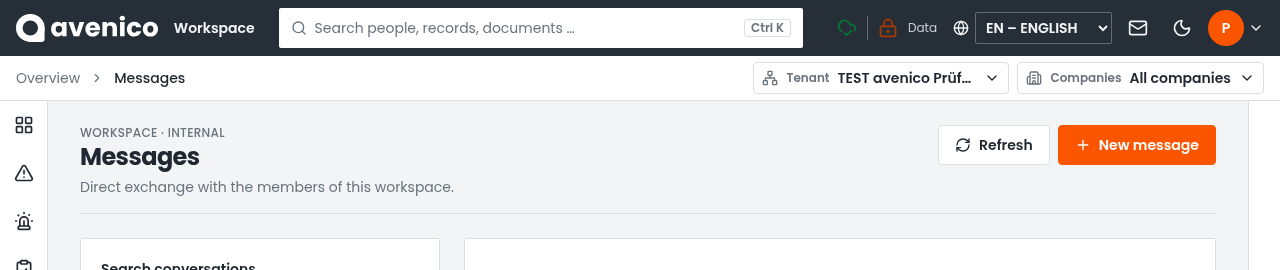
Example from a test account with fictional data - 2
Select the desired conversation from the overview, or search using the field or filter for unread entries.
- 3
Read the message thread in the main area.
- 4
If needed, click the linked process or record to jump directly to the relevant view.
What happens next
Tipp: You have reviewed the message and can reply directly in the thread or refresh for new incoming messages.
Troubleshooting
Achtung:
I cannot open a linked record from a message.
Being mentioned in a message does not grant additional read permissions. If you lack access rights to the linked object, access remains blocked.
Updated: 24/11/2026 · Version 2 · #99840296
Changes in this version: fix:2026-11-24:99840296