

Create a Custom Workflow
You create processing paths with defined roles, persons, and approval chains for your processes.
Before you start
- You are logged in with administrator privileges (the 'Workflows' menu entry is visible to admins only).
- The relevant company entities and roles are already configured.
How to do it
- 1
In the main navigation, open Cases & workflows → Workflows.
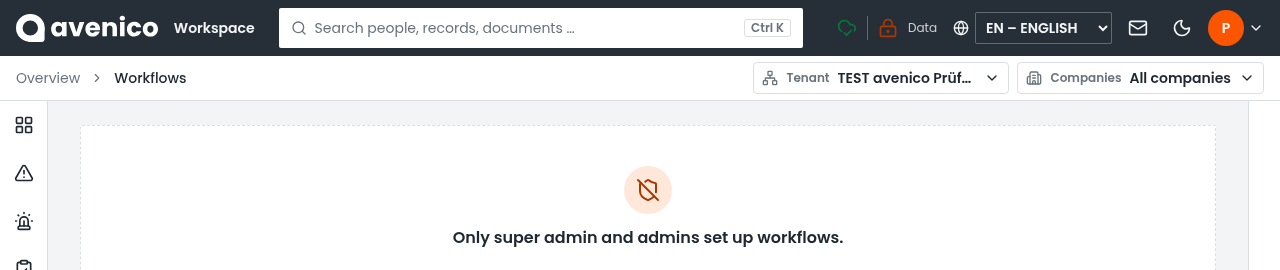
Example from a test account with fictional data - 2
Create a new workflow for the desired processing route.
- 3
Specify the required roles or designated individuals for the approval chain.
- 4
Define whether approval from all individuals or from any single authorized person is necessary.
- 5
If needed, configure conditions, reminder deadlines, and deputies for pending tasks.
- 6
Save the configured workflow to keep your draft.
What happens next
Troubleshooting
Why is the 'Workflows' menu entry not visible?
This section is restricted to administrators. Check your assigned role under Members & roles.
Can a user approve their own request?
No. When the user account matches the applicant, segregation of duties automatically prevents self-approval.
Updated: 24/11/2026 · Version 2 · #27274061
Changes in this version: fix:2026-11-24:27274061