

Create measure with responsibility and deadline
Learn how to assign protective measures with responsible persons and deadlines to a hazard and track their completion.
Before you start
Hinweis:
- The risk assessment must be created or opened.
- The responsible persons must be set up in the system.
How to do it
- 1
In the menu, navigate to Gefährdungen → Gefährdungsbeurteilungen.
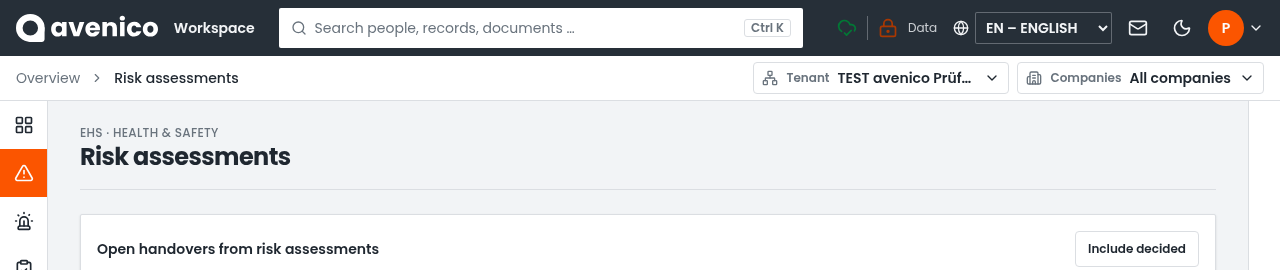
Example from a test account with fictional data - 2
Select the relevant risk assessment and the specific hazard.
- 3
Add a new measure where action is required.
- 4
Select the responsible person and enter the deadline for implementation.
- 5
Save the measure.
What happens next
Tipp: The measure is saved. It is tracked within the risk assessment and centrally under Gefährdungen → Maßnahmen with its current status.
Troubleshooting
Achtung:
Where can I see all measures across all modules at a glance?
Go to Gefährdungen → Maßnahmen in the menu. There you will find the complete list of measures with filters for overdue, open, or completed items.
Updated: 24/11/2026 · Version 2 · #62036071
Changes in this version: fix:2026-11-24:62036071