

Downloading a Certificate of Attendance
Learn how to download a training certificate of attendance as a PDF after a training session has been completed.
Before you start
- The training session has been completed and recorded.
- You have access to the Trainings module or the relevant appointment.
How to do it
- 1
Navigate in the menu to Trainings → Trainings.
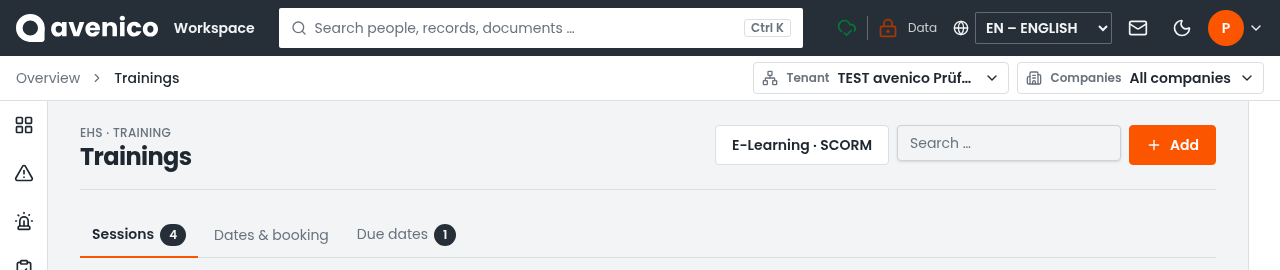
Example from a test account with fictional data - 2
Open the required training appointment via the Termine & Buchung tab.
- 3
In the appointment details, switch to the section for attendances and records.
- 4
Select the required certificate of attendance and download the document as a PDF.
- 5
Save the file to your computer or forward it as needed.
What happens next
Troubleshooting
Is the downloaded PDF password-protected?
No, the generated PDF document can be opened directly without requiring a password.
Does the document change retroactively if the training template is updated later?
No, certificates that have already been generated and signed maintain their original recorded state.
Updated: 24/11/2026 · Version 2 · #51209909
Changes in this version: fix:2026-11-24:51209909