

Synchronize users via SCIM
Use the SCIM interface in company settings to automatically synchronize employee records with your identity provider.
Before you start
- You have administrator permissions in the tenant.
- An external directory service (identity provider) supporting SCIM 2.0 is available.
- The target company is configured in avenico.
How to do it
- 1
In the navigation menu, select Company data.
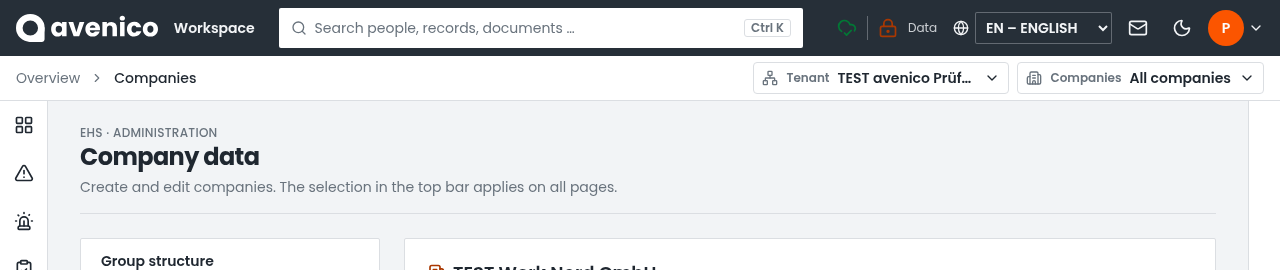
Example from a test account with fictional data - 2
If applicable, select the company for which synchronization should be established.
- 3
Scroll down to the Verzeichnisanbindung · SCIM section.
- 4
Enable the SCIM service and copy the provided base URL and access token to your directory service.
- 5
Configure SCIM credentials in your identity provider and map attributes such as name, email, department, and employee number.
- 6
Initiate synchronization from your identity provider.
What happens next
Troubleshooting
Does a synchronized employee immediately receive access to the workspace?
No. SCIM synchronizes employee master records. Access credentials or passkeys for personal tasks and portals are managed separately.
What happens when a user is deactivated or removed in the identity provider?
The corresponding employee file is deactivated. Active sessions expire, while historical documentation and audit records remain preserved.
Updated: 24/11/2026 · Version 2 · #60474687
Changes in this version: fix:2026-11-24:60474687