

Understand results in the legal register
Every duty has a Legal Engine result. Unknown never counts as fulfilled.
How to do it
- 1
In the workspace, open Audits & legal register and switch to the Legal register tab.
- 2
In the table, click a duty in the Legal basis column and read Legal Engine result: Proven fulfilled means valid evidence exists. Evidence missing means the duty applies but there is no evidence. Review needed means the law or data changed since the assessment. Unknown means nobody has assessed the duty yet.
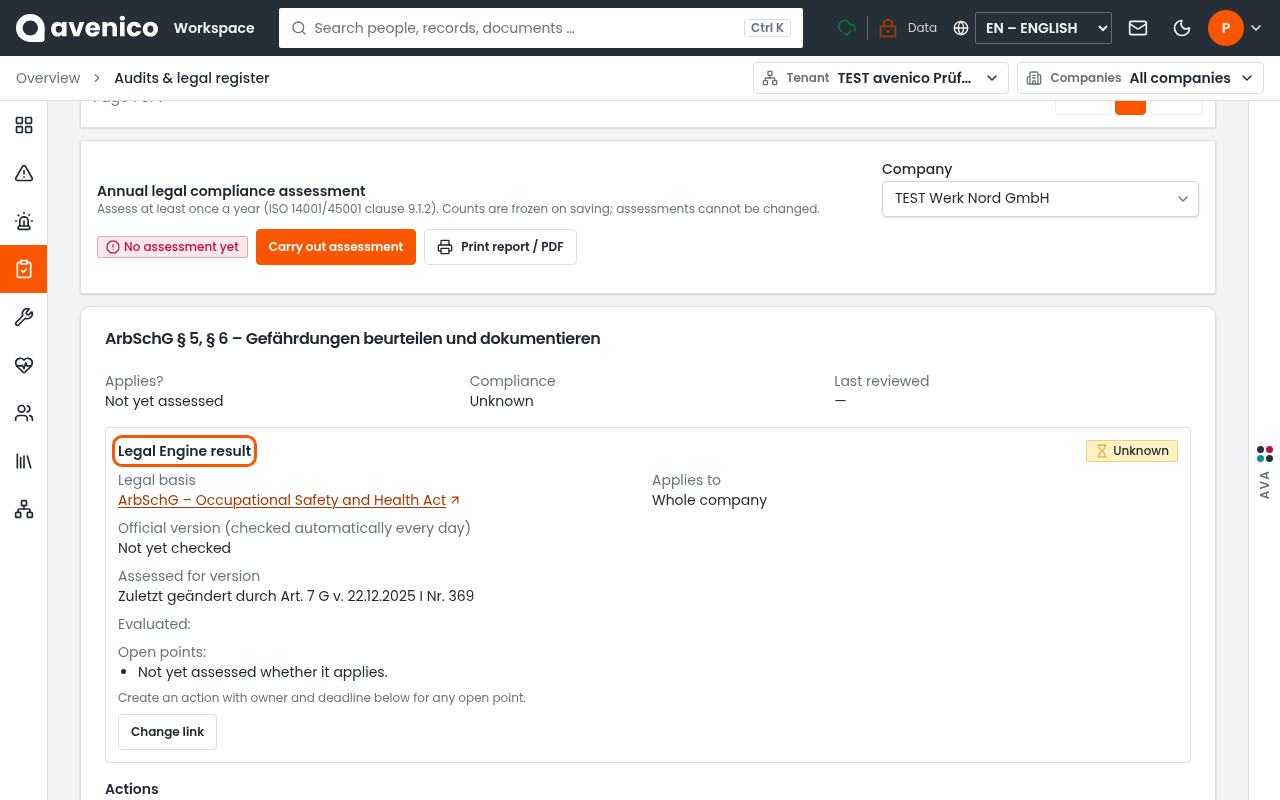
Example from a test account with fictional data - 3
Work through the open points under What is missing? from top to bottom.
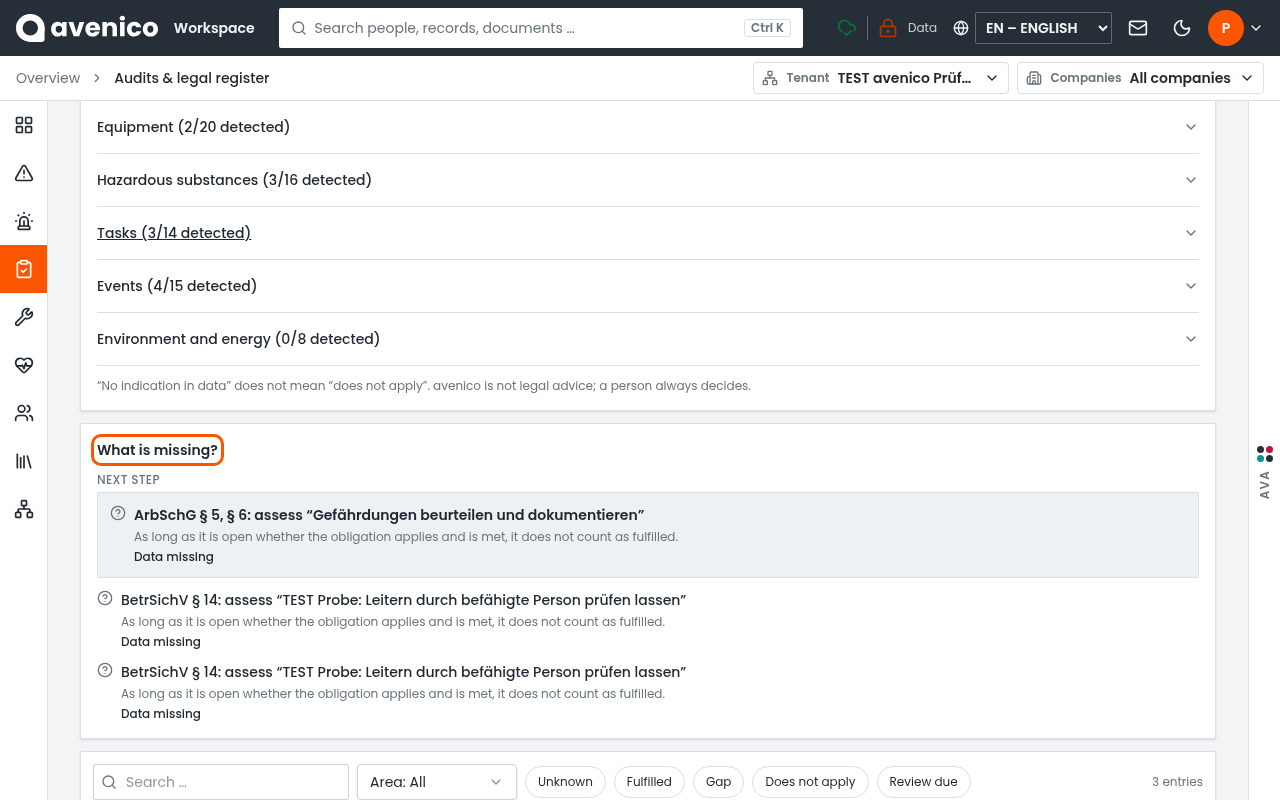
Example from a test account with fictional data
What happens next
Troubleshooting
Why is a duty “Unknown” although we fulfil it?
avenico only counts what is assessed and evidenced. Assess the duty and link the evidence.
Updated: 24/11/2026 · Version 1 · #41866472
Changes in this version: seed:help-2026-11-24:legal:results