

Sharing the booking link
Learn how to access a booking link for training sessions and share it with participants for self-registration.
Before you start
Hinweis:
- The scheduled training session has been created and opened for booking.
How to do it
- 1
Open Trainings → Trainings.
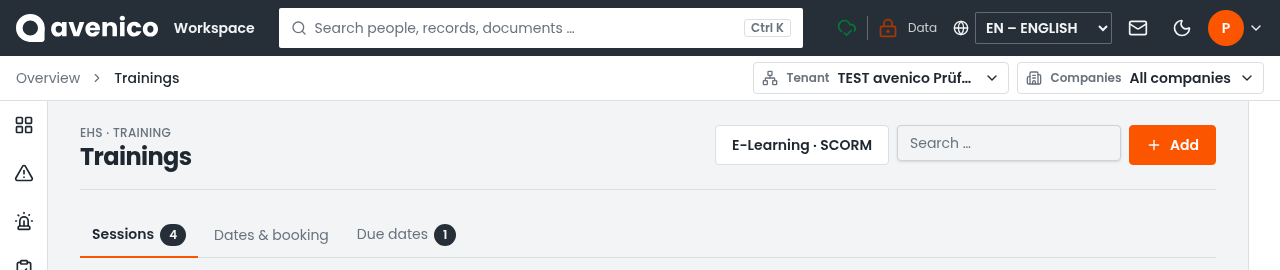
Example from a test account with fictional data - 2
Click the Termine & Buchung tab.
- 3
Select the scheduled session from the list.
- 4
Copy the displayed booking link.
- 5
Send the link to the participating employees or groups.
What happens next
Tipp: People who register via the link are automatically added to the participant list for the session.
Troubleshooting
Achtung:
What happens when someone registers via the link?
Employees enter their details in the booking form and are automatically linked to the session upon confirmation.
Achtung:
Can new bookings still be made once a session is full or closed?
No, once the session is closed or full, the link will no longer accept further registrations.
Updated: 24/11/2026 · Version 2 · #51772950
Changes in this version: fix:2026-11-24:51772950