

Assign and evaluate a knowledge test
This article explains how to assign a knowledge test to a training session and review participant results.
Before you start
- The question set has been created under Knowledge tests & live.
- The training date is scheduled in the system.
How to do it
- 1
Navigate to Trainings → Trainings.
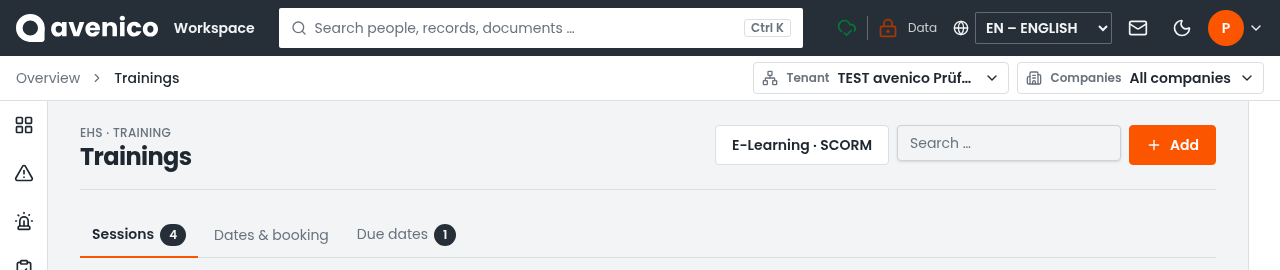
Example from a test account with fictional data - 2
Select the relevant session under Dates & booking.
- 3
Link the desired question set to the training in the session details.
- 4
Specify whether passing the test is mandatory for successful completion.
- 5
Have participants complete the test after the session via their personal access link.
- 6
Check the evaluation within the session or under Trainings → Knowledge tests & live in the Previous results tab.
What happens next
Troubleshooting
Can a mandatory test be bypassed with a manual signature?
No. If a test is marked as mandatory, it must be passed before the completion can be recorded.
What happens if a participant runs out of test attempts?
Exhausted attempts require clarification and reset by the responsible person before another attempt can be made.
Updated: 24/11/2026 · Version 2 · #35330840
Changes in this version: fix:2026-11-24:35330840