

Search everywhere
With the quick search, you can find records, cases, and navigation targets across the system. The search only returns results from your authorized areas.
Before you start
- You are logged into the system.
How to do it
- 1
Press Ctrl + K (or Cmd + K on Mac) on your keyboard. Alternatively, click Personen, Vorgänge, Dokumente suchen … Ctrl K in the top navigation bar.
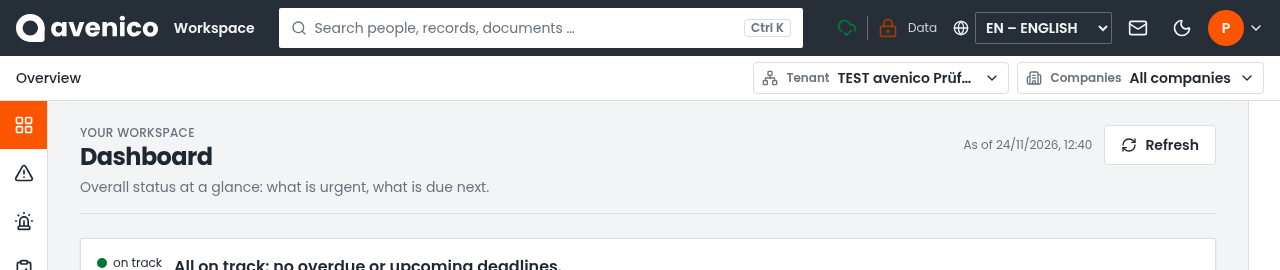
Example from a test account with fictional data - 2
Enter your search term into the search field that opens.
- 3
Review the displayed list of results showing title, category, and company reference.
- 4
Click the desired result to jump directly to the record.
What happens next
Troubleshooting
A known document or file does not appear in the search results.
The search does not index file contents and only displays results that your role is permitted to access within the current tenant or company.
Updated: 24/11/2026 · Version 2 · #98809570
Changes in this version: fix:2026-11-24:98809570