

The Home Page: Reading Deadlines and Tasks
The home page provides an overview of upcoming tasks, due dates, and action items so you can keep track of your responsibilities at all times.
Before you start
- You are logged into your avenico workspace.
How to do it
- 1
Click Übersicht (Overview) in the navigation menu.
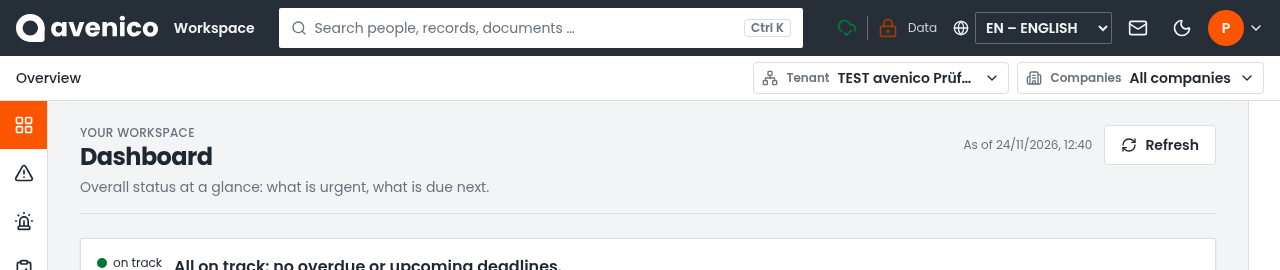
Example from a test account with fictional data - 2
Review the Kalender and Fristen der nächsten 12 Wochen sections to monitor upcoming deadlines.
- 3
Check pending items and deadlines in the Als Nächstes zu tun section.
- 4
Click a task entry or Alle Fristen ansehen to navigate to the detailed task view.
What happens next
Troubleshooting
Why does a deadline warning remain active after reporting an appointment?
Reporting or booking an appointment does not mark the task as completed. The warning disappears only after the record has been reviewed and officially finalized.
Updated: 24/11/2026 · Version 2 · #78159420
Changes in this version: fix:2026-11-24:78159420