

Viewing the audit log
Review all logged system events and modifications in your tenant's audit log.
Before you start
- You are logged in with a user account that holds the Owner role.
How to do it
- 1
In the navigation menu, select Audit log.
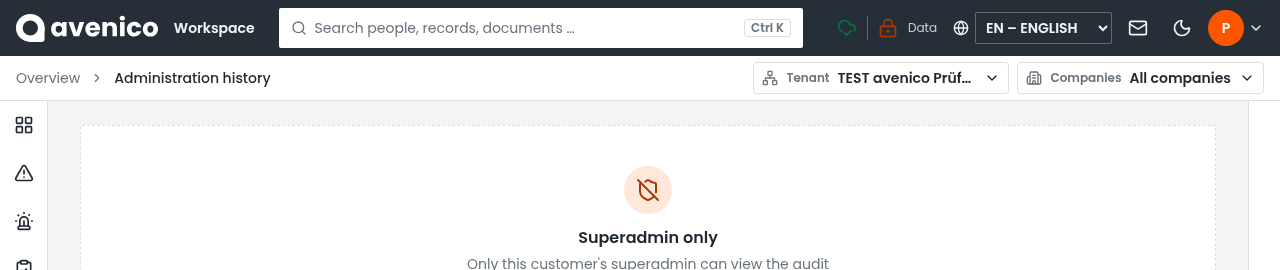
Example from a test account with fictional data - 2
If needed, narrow down the entries using the available filters such as company, date range, or event type.
- 3
Review the listed log entries and open individual rows to inspect detailed information about the changes.
What happens next
Troubleshooting
Why is the Audit log menu entry not visible to me?
The audit log is only accessible to users with the Owner role. Editors, administrators, and other roles cannot access it.
Are passwords or sensitive credentials recorded in the audit log?
No, security-critical secrets such as passwords or private keys are never stored in the audit trail for security and data privacy reasons.
Updated: 24/11/2026 · Version 2 · #98061173
Changes in this version: fix:2026-11-24:98061173