

Reschedule or cancel an appointment
Learn how to reschedule or cancel existing training sessions in the Trainings module. Statutory deadlines and obligations remain unchanged.
Before you start
- At least one scheduled training appointment exists in the system.
- You have editing permissions for the selected company.
How to do it
- 1
Navigate in the menu to Trainings → Trainings.
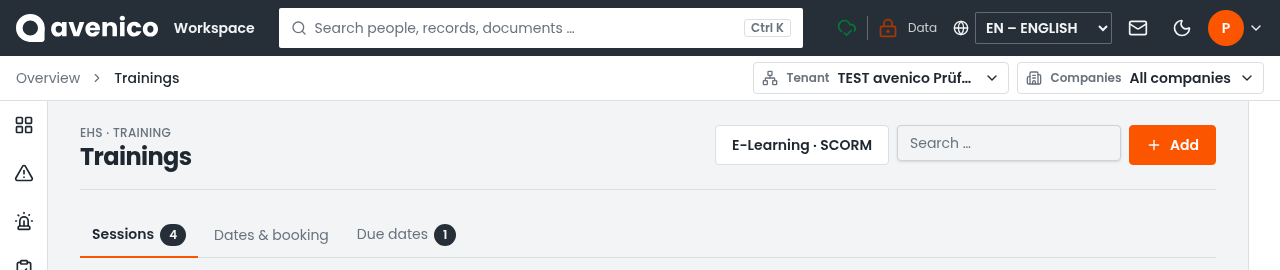
Example from a test account with fictional data - 2
Click on the Termine & Buchung tab.
- 3
Select the relevant session from the schedule list.
- 4
Adjust the date and time to reschedule, or choose the option to cancel the appointment.
- 5
Save your changes to update the session schedule.
What happens next
Troubleshooting
Is an employee's training deadline extended if an appointment is cancelled?
No. Cancelling or rescheduling a session does not extend statutory training or inspection deadlines.
What happens to calendar invites that have already been sent?
When the date or time is modified, the calendar file is provided with an updated sequence so that attendees' calendar entries are refreshed.
Updated: 24/11/2026 · Version 2 · #98208770
Changes in this version: fix:2026-11-24:98208770