

Set language and number format
You can customize the user interface language and regional formats in your profile.
Before you start
Hinweis:
- You are logged into the workspace.
How to do it
- 1
Click on your profile icon with your initials in the header to open your profile.
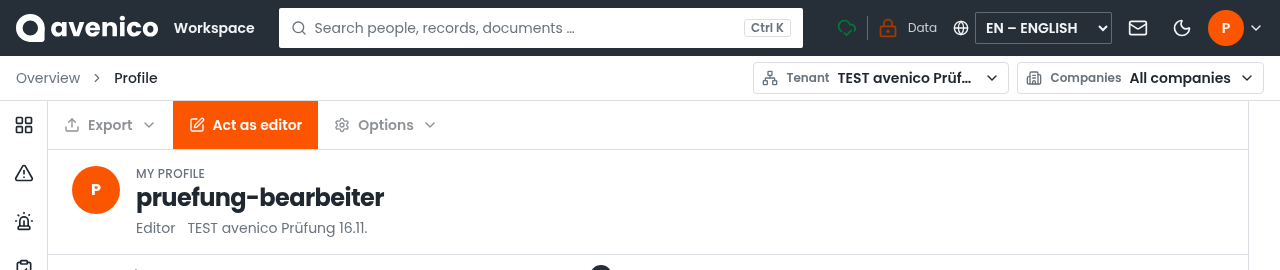
Example from a test account with fictional data - 2
Click on the Sprache & Formate tab.
- 3
Under Sprache / Language, select your preferred language (German, English, French, or Spanish) and adjust the format if needed.
What happens next
Tipp: Navigation, labels, and system texts now appear in the selected language.
Troubleshooting
Achtung:
Custom documents or entered text remain in their original language after switching.
The language setting only affects the user interface and system messages. Custom entered content, courses, or uploaded files are not automatically translated.
Updated: 24/11/2026 · Version 2 · #63222556
Changes in this version: fix:2026-11-24:63222556