

Viewing reporting forms
In the form overview, you can review the reporting forms configured in the system, their versions, and their activation status.
Before you start
- You are logged into avenico as an editor. Creating or modifying forms requires administrator privileges.
How to do it
- 1
Open Incidents & reports → Reports in the navigation to access the form overview (Meldeformulare).
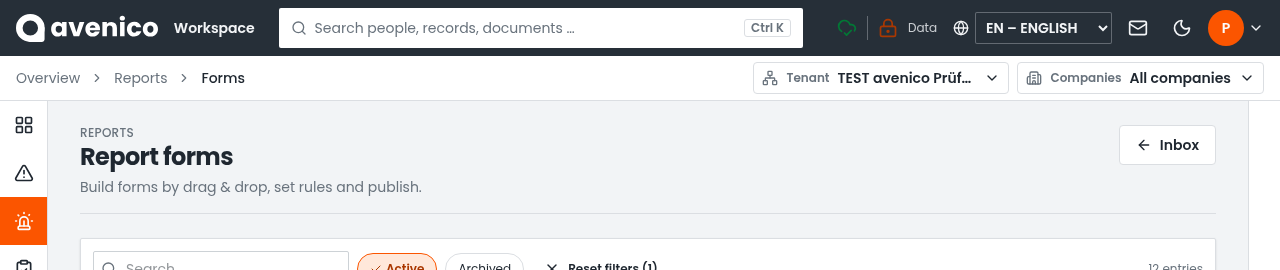
Example from a test account with fictional data - 2
Click Aktiv to view all currently active and available forms.
- 3
Select Archiviert if you want to inspect previous or archived form versions.
- 4
Review the details in the table columns Formular, Version, and Geändert.
- 5
Click Filter zurücksetzen (1) if you want to reset your filter selection.
What happens next
Troubleshooting
Why can't I create or edit a reporting form?
In the editor role, the form register is read-only. Creating or modifying reporting forms requires administrator rights.
Updated: 24/11/2026 · Version 2 · #17560315
Changes in this version: fix:2026-11-24:17560315