

Appoint safety specialist and company doctor
Document statutory appointments of occupational safety specialists and company doctors (under ASiG) as well as delegations of duty for your companies.
Before you start
- The designated specialist, doctor, or external service provider is known.
- You have editing permissions for the People module.
How to do it
- 1
Navigate in the menu to People → Safety specialist & doctor.
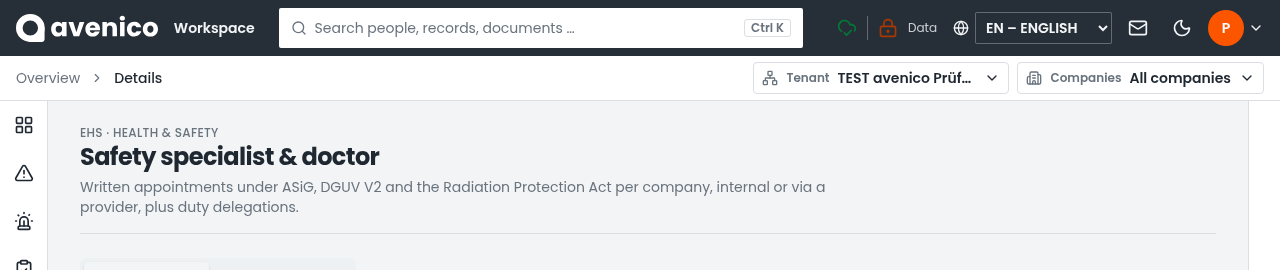
Example from a test account with fictional data - 2
Select the Bestellungen tab.
- 3
Click the Bestellung erfassen button.
- 4
Select the role (such as safety specialist or occupational physician), the person or service, and the company.
- 5
Specify the appointment type, start date, and optional end date, then save the entry.
What happens next
Troubleshooting
Does recording an appointment in avenico replace the formal written appointment document?
No. Logging the appointment in avenico provides compliance tracking and audit readiness, but does not replace the statutory written appointment document signed by all required parties.
Where can delegations of employer duties be recorded?
On the same page, switch to the Pflichtenübertragungen tab to document delegated safety responsibilities.
Updated: 24/11/2026 · Version 2 · #75105783
Changes in this version: fix:2026-11-24:75105783