

Review dosimeter reports
Authorized personnel review incoming dosimeter records. The system assists with organization and tracking, but does not provide any medical assessment.
Before you start
Hinweis:
- At least one dosimeter report has been submitted in the system.
- You have editing permissions for the Incidents & reports area.
How to do it
- 1
Open Incidents & reports → Reports.
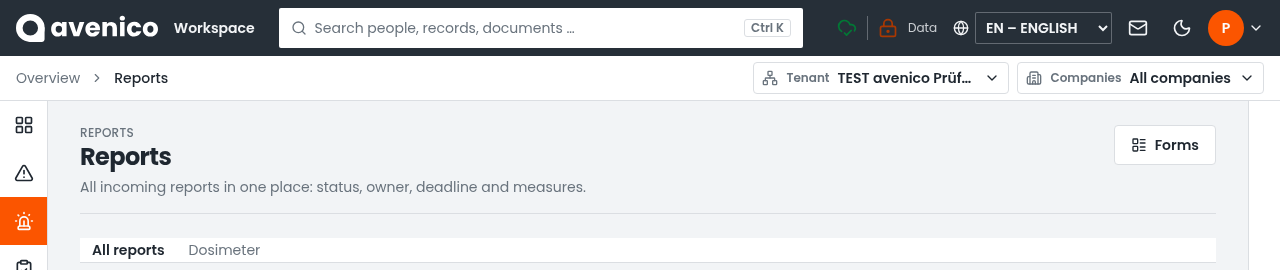
Example from a test account with fictional data - 2
Click the Dosimeter tab.
- 3
Select the relevant record from the list.
- 4
Review the details provided regarding person, location/device, and urgency.
- 5
Update the processing status or initiate follow-up actions if necessary.
What happens next
Tipp: The processing status of the dosimeter report is documented in the system.
Troubleshooting
Achtung:
Does the system automatically perform a radiation protection assessment for reported values?
No, the software does not derive any medical or radiation protection assessment from the data.
Updated: 24/11/2026 · Version 2 · #80301146
Changes in this version: fix:2026-11-24:80301146