

Roles at a glance: what may I do?
What each role may do and where you see a person’s role and companies.
How to do it
- 1
In the navigation, open Members & roles.
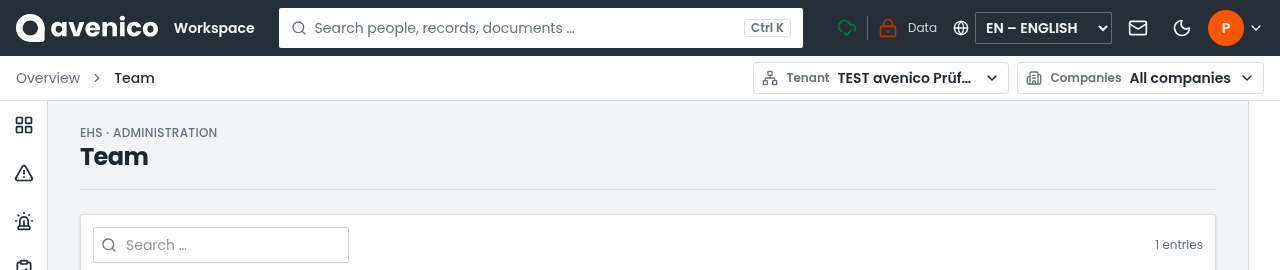
Example from a test account with fictional data - 2
In the member list, read the Role and Companies columns: Super admin and Administrator manage the team and roles, Editor may change records, Viewer may only read, Supervisor only sees tasks and deadlines of their accepted groups. The Additional risk permission also allows editing risk assessments.

Example from a test account with fictional data - 3
Under Custom roles you find the roles your company created itself, with their base role, number of people and the areas with edit or read access.

Example from a test account with fictional data
What happens next
Troubleshooting
I can’t see the member list.
Only the super admin and administrators see this page. Ask them about your role.
Supervisors don’t see employee files.
That is intended: the supervisor role gives no access to employee files, medical findings or personal documents.
Updated: 24/11/2026 · Version 2 · #34946776
Changes in this version: fix:2026-11-24:34946776