

Review and release an instruction (four-eyes rule)
A second person releases the instruction or rejects it with a reason.
Before you start
Hinweis:
- Superadmin and Admins can release; Editors can also reject.
- You did not submit the instruction for review yourself.
How to do it
- 1
Open the instruction with status In review, read it and click Release or Reject with a reason.
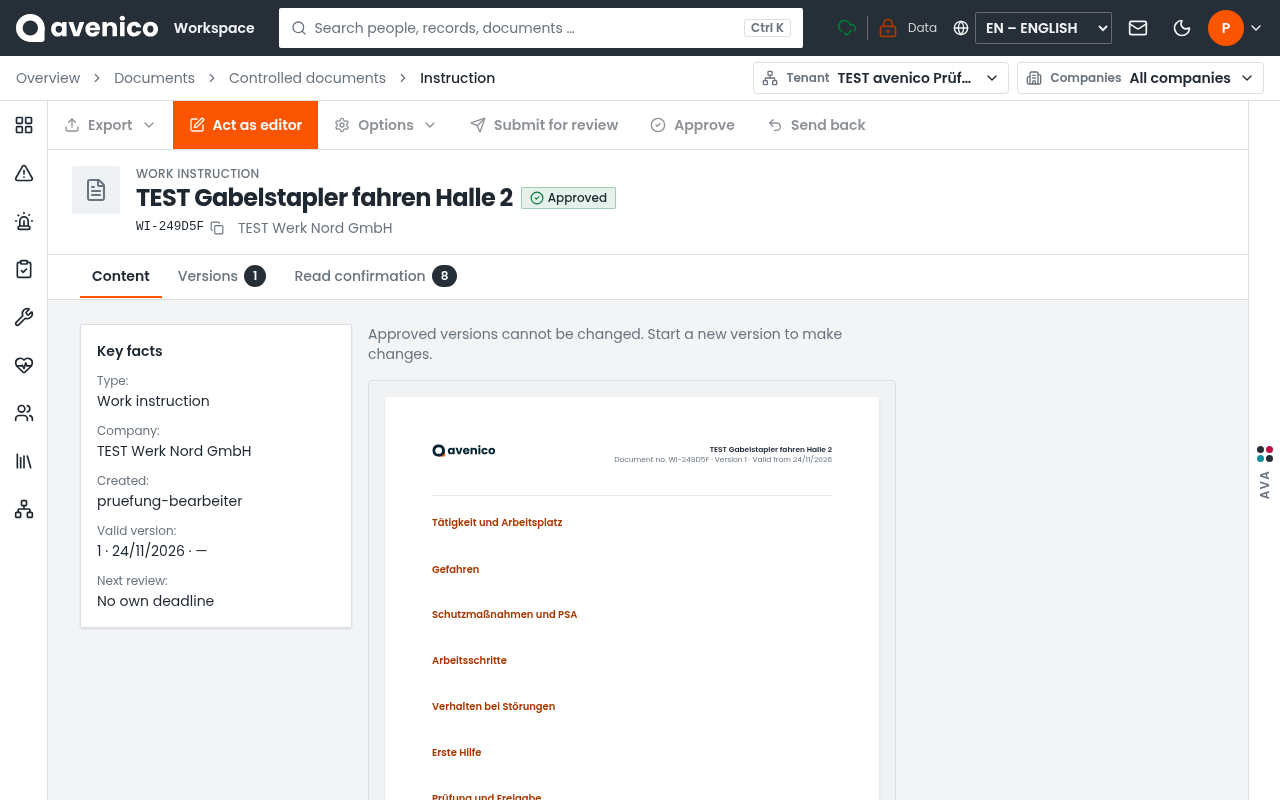
Example from a test account with fictional data - 2
The Versions tab shows every released version with change, author and approver. Older versions are marked Superseded.
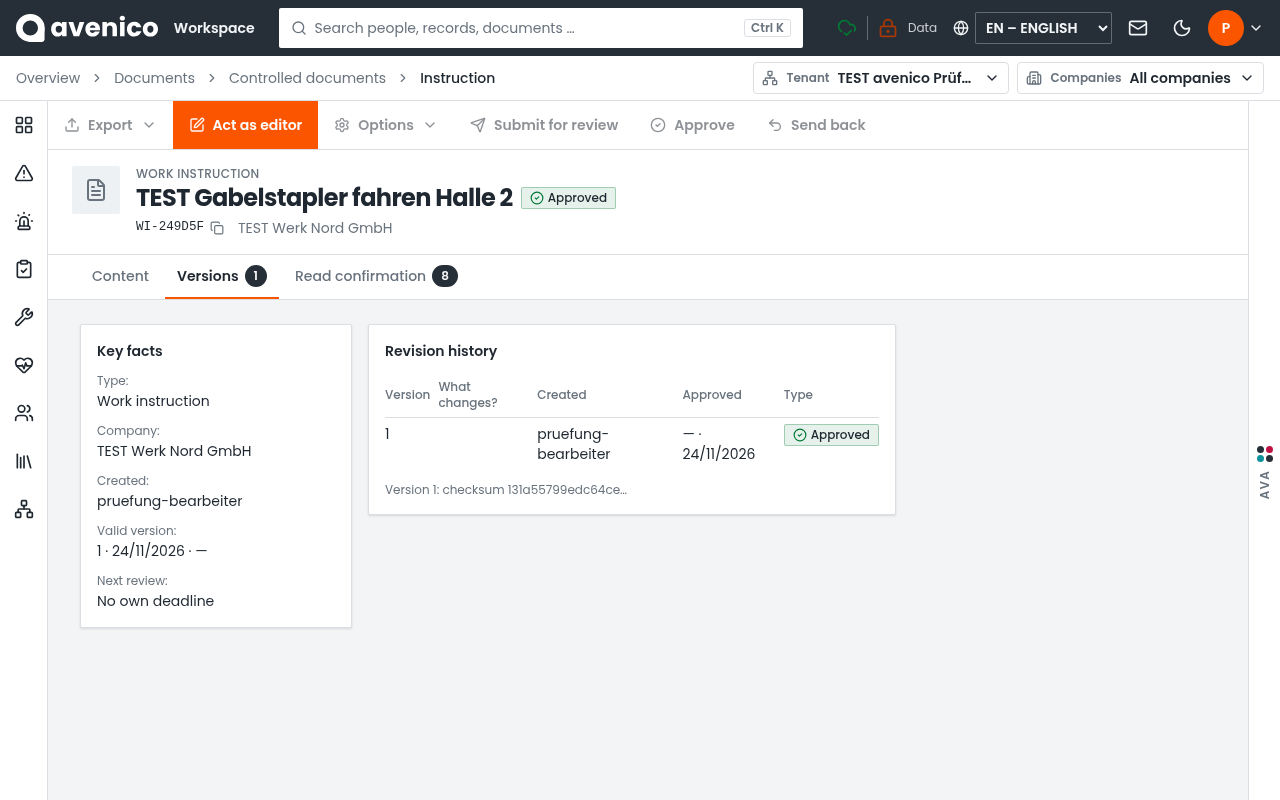
Example from a test account with fictional data
What happens next
Tipp: The released version applies, and under Read confirmation you can record confirmations.
Troubleshooting
Achtung:
Why can't I release my own instruction?
The four-eyes rule needs a second person. Ask an admin to review it.
Updated: 24/11/2026 · Version 1 · #55256131
Changes in this version: seed:help-2026-11-24b:sop:review