

Changes Were Not Saved
If form entries are not saved, this is usually due to mandatory fields, validation errors, or expired sessions. Learn how to troubleshoot the issue.
Before you start
- You entered changes into a form or dialog, and the save action failed or could not be completed.
How to do it
- 1
Check the form carefully for required fields marked with an asterisk (*) and fill in any missing details.
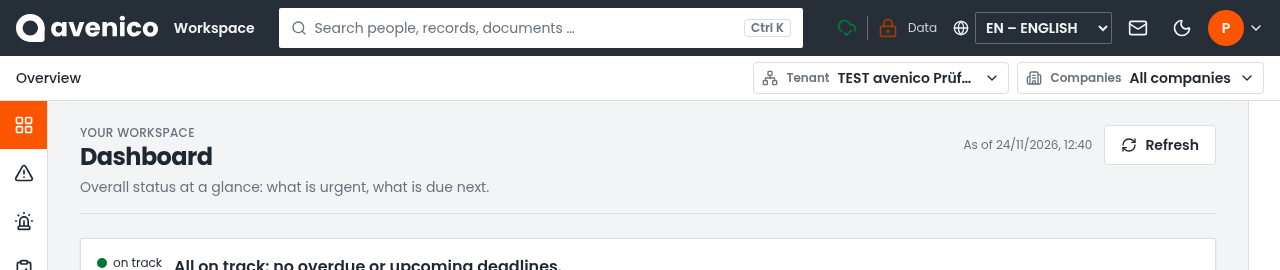
Example from a test account with fictional data - 2
Look for red validation notices or error text directly next to specific input fields.
- 3
Copy longer entered texts to your clipboard temporarily to prevent data loss if the page needs to reload.
- 4
Click Aktualisieren (Refresh) or reload the browser page to ensure your session is still active.
- 5
Re-enter the required details and attempt the save action again.
What happens next
Troubleshooting
What happens to my draft entries if the browser session expires?
Unsaved form entries are lost when reloading the page. Always copy long texts to your clipboard before refreshing.
Why is the save button inactive or unresponsive?
Check whether all required fields are complete and formatted correctly. Missing or invalid required fields often disable form submission.
Updated: 24/11/2026 · Version 2 · #30337941
Changes in this version: fix:2026-11-24:30337941