

Light and dark view
In avenico, you can switch between the light and dark display modes at any time.
Before you start
Hinweis:
- You are logged in to avenico.
How to do it
- 1
Look for the Dunkles Design button in the top bar.
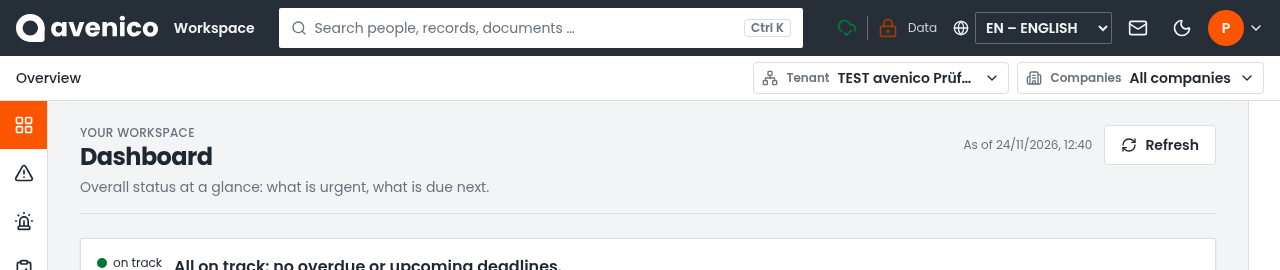
Example from a test account with fictional data - 2
Click Dunkles Design to switch the user interface to dark colors.
- 3
Click the button again in the same position to return to the light view.
What happens next
Tipp: The selected view is applied immediately and maintained for your workspace.
Troubleshooting
Achtung:
The toggle button is not visible.
Check the top bar next to the tenant and company selector, or widen your browser window if controls are collapsed on smaller screens.
Updated: 24/11/2026 · Version 2 · #84915733
Changes in this version: fix:2026-11-24:84915733