

Import people via SCIM
Connect an external directory via SCIM to automatically provision employee data for a company. avenico imports master data without granting administrative roles.
Before you start
- Your tenant has directory integration enabled.
- You have administrative permissions to manage company data.
How to do it
- 1
Navigate to Company data and select the relevant company.
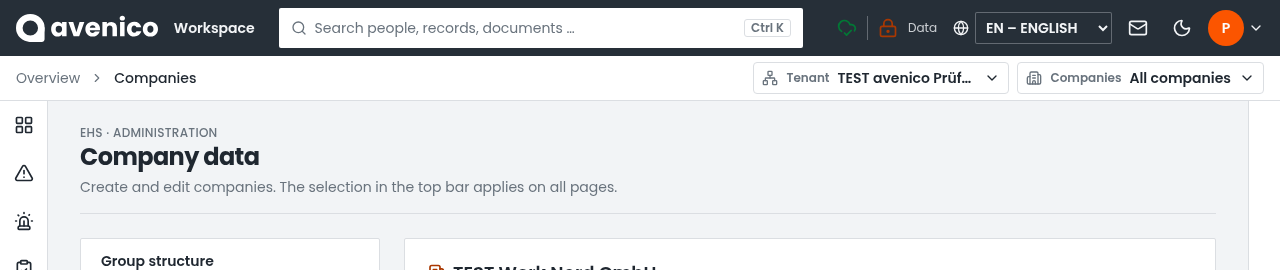
Example from a test account with fictional data - 2
Go to the Directory integration · SCIM section.
- 3
Configure the SCIM client in your external identity provider using the avenico credentials and endpoints.
- 4
Start provisioning in your external directory service.
- 5
Go to People → Employee files to verify that the imported records appear in the overview.
What happens next
Troubleshooting
Are conflicting records merged automatically?
No. Only clearly matching records are imported. Conflicting entries are not silently merged on the server.
Do imported individuals automatically receive management access?
No. SCIM synchronizes employee files only. Administrative platform access must be assigned separately.
Updated: 24/11/2026 · Version 2 · #93345171
Changes in this version: fix:2026-11-24:93345171