

Manage Groups and Supervisors
Groups structure areas of responsibility and organize employees for deadlines and notifications. Each active group requires at least one responsible person.
Before you start
- Employee records with matching company assignments and email addresses are created.
- You have administrator or editor permissions to manage groups.
How to do it
- 1
Open People → Groups & supervisors from the navigation menu.
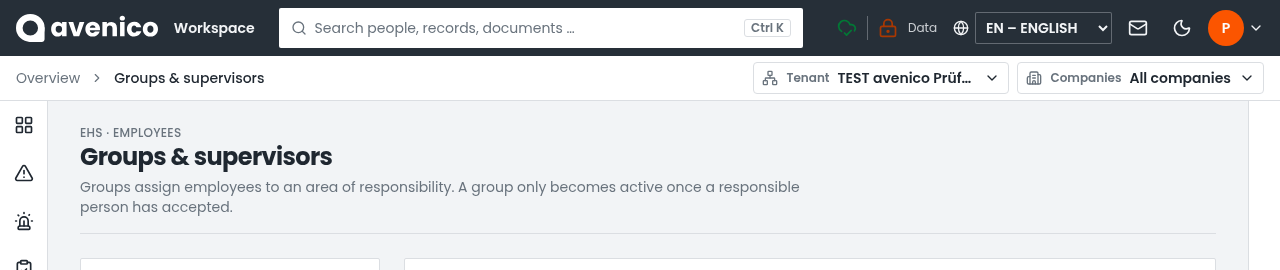
Example from a test account with fictional data - 2
Select an existing group from the list or create a new group.
- 3
Under responsible persons, assign at least one responsible person from the employee files.
- 4
Define the desired timeframe for reminders under escalation to supervisors.
- 5
Add relevant employees under members and set the status to active.
What happens next
Troubleshooting
Can an active group exist without a responsible person?
No. An active group must maintain at least one assigned responsible person. Reassignment or archiving is required prior to removal.
Do supervisors see medical details of group members?
No. Supervisors exclusively see organizational due dates and schedules, never medical diagnoses or examination details.
Updated: 24/11/2026 · Version 2 · #48071848
Changes in this version: fix:2026-11-24:48071848