

Who can view medical content?
avenico strictly separates organizational administration from confidential health data. Supervisors and pure approvers never receive access to diagnoses, medical findings, or medical records.
Before you start
- Administrator or owner privileges to inspect roles in the tenant are available.
- Employees and group structures are set up in the system.
How to do it
- 1
Open Members & roles in the navigation to view user role assignments.
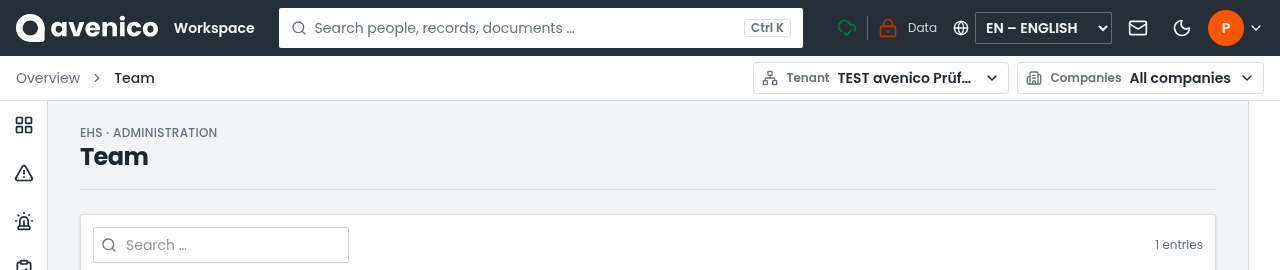
Example from a test account with fictional data - 2
In the Rolle (Role) column, verify that specialized access rights for confidential health data are granted only to authorized individuals.
- 3
Navigate to People → Groups & supervisors to assign supervisors to their respective teams.
- 4
Ensure that managers only obtain visibility into organizational deadlines via this group structure.
- 5
Open Occupational medicine to verify that medical registers and findings are maintained exclusively in this protected module.
What happens next
Troubleshooting
Can supervisors see the reason or diagnosis of an examination?
No. Supervisors only see appointments and due dates, never diagnoses, medical findings, or confidential examination reasons.
Do approvers or managers have access to medical records in the employee file?
No. Confidential occupational health documents are strictly protected and inaccessible to pure approvers or supervisors.
Updated: 24/11/2026 · Version 2 · #93706774
Changes in this version: fix:2026-11-24:93706774