

Inviting supervisors
Invite managers to a group so they can track deadlines and tasks for their assigned teams.
Before you start
- The person is listed under employee files with a valid email address and company assignment.
- Unused supervisor seats are available in the tenant package.
- You have permissions to manage groups and team members.
How to do it
- 1
Navigate to People → Groups & supervisors in the main menu.
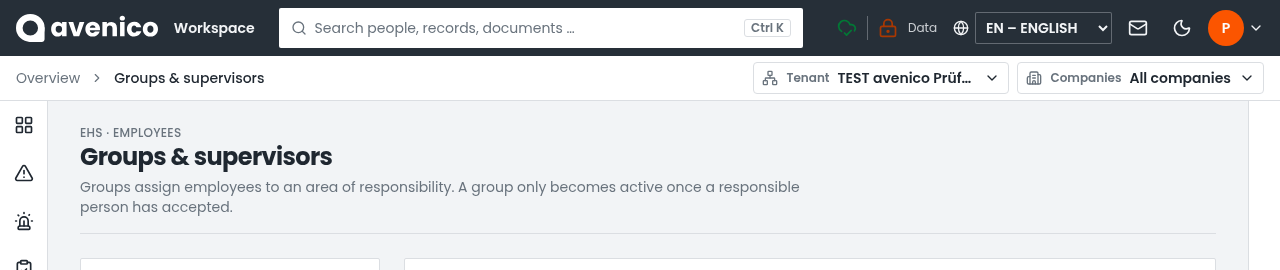
Example from a test account with fictional data - 2
Select the relevant group from the list.
- 3
Under Verantwortliche Personen, select the person from employee files.
- 4
Generate the invitation for the supervisor role and copy the invitation link.
- 5
Share the invitation link with the supervisor so they can open it and accept the invitation.
What happens next
Troubleshooting
How long is the invitation link valid?
An invitation link expires after seven days. A new link can be generated at any time.
Why does a pending invitation occupy a seat?
A seat is reserved upon link generation to prevent exceeding the allowed plan limit.
What happens if a new link is generated for the same person?
Generating a new link voids the previous pending link immediately.
Updated: 24/11/2026 · Version 2 · #37185203
Changes in this version: fix:2026-11-24:37185203