

Review notifications to employees
Get an overview of upcoming deadline reminders and inspect scheduled notifications before dispatch.
Before you start
- You are signed in with a role that has access to administration settings (this area is not available to the supervisor role).
How to do it
- 1
Select Kommunikation in the navigation.
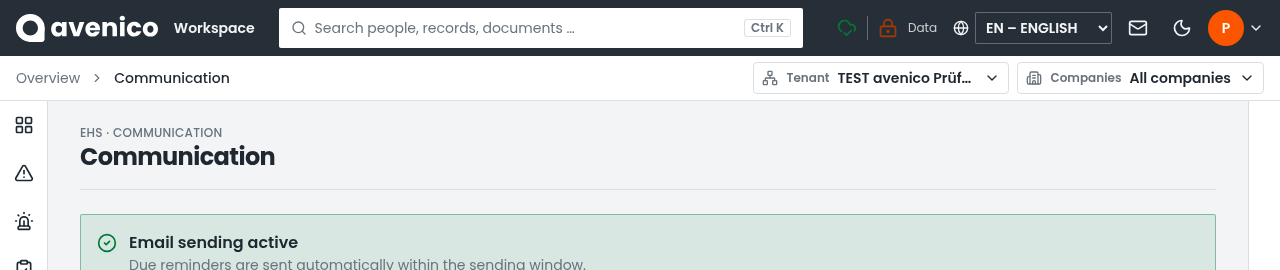
Example from a test account with fictional data - 2
Open the Erinnerungen tab.
- 3
Review the scheduled reminders in the table using the columns for employee, recipient, subject, due date, and next reminder.
- 4
Select Vorschau on an entry to review the message text before dispatch.
What happens next
Troubleshooting
Does withholding or changing a notification resolve an open mandatory task?
No. Deadline reminders are informational only. Underlying deadlines and duties (such as medical check-ups or trainings) remain unaffected.
Can an email that has already been dispatched be recalled?
No. Once a message has been sent and handed over to the mailing system, it cannot be recalled.
Updated: 24/11/2026 · Version 2 · #82623634
Changes in this version: fix:2026-11-24:82623634