

Sign in with a passkey
Sign in to avenico password-free using your personal passkey. Authentication is device-bound and secures your access.
Before you start
Hinweis:
- You have already configured a valid passkey on your device.
- You have the avenico sign-in address or your personal access link.
How to do it
- 1
Open the avenico sign-in page in your browser or open your personal access link.
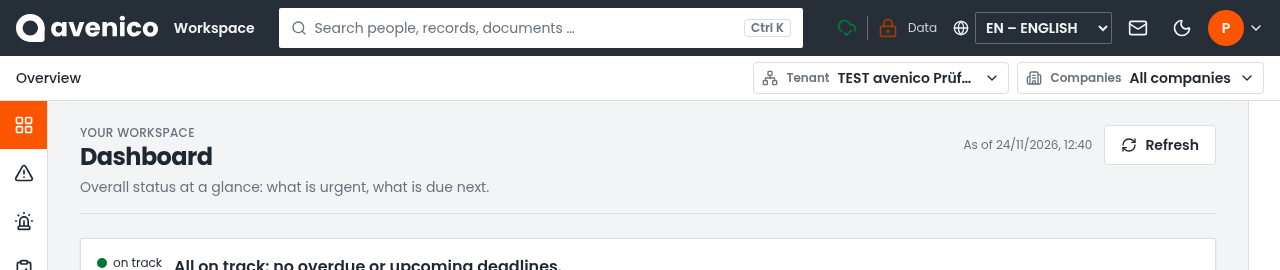
Example from a test account with fictional data - 2
On the sign-in page, select the option to sign in with a passkey.
- 3
Confirm your operating system or browser prompt using your fingerprint, facial recognition, security key, or device PIN.
- 4
After successful confirmation, you are signed in and redirected to the Übersicht.
What happens next
Tipp: You are signed in and can work on your tasks. An active session automatically times out after prolonged inactivity.
Troubleshooting
Achtung:
My passkey is not recognized on the device.
Use the device or browser where you originally registered the passkey, or request a new one-time code or access link.
Updated: 24/11/2026 · Version 2 · #28403953
Changes in this version: fix:2026-11-24:28403953