

Create hazardous substance
Learn how to record a new hazardous substance with classification and safety data sheet in the register of hazardous substances.
Before you start
Hinweis:
- You need editing permissions (e.g. as an administrator or editor).
- Product details (name, classification, safety data sheet) should be ready.
How to do it
- 1
Open Gefährdungen in the main menu and navigate to the hazardous substances register (Gefahrstoffverzeichnis).
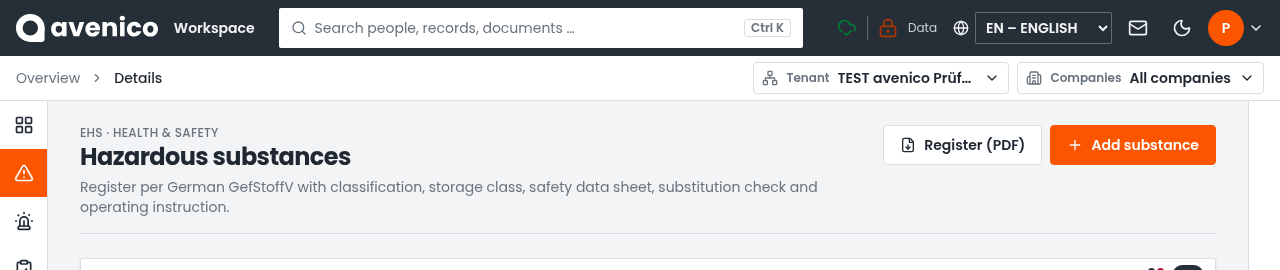
Example from a test account with fictional data - 2
Click the button Gefahrstoff erfassen at the top.
- 3
Enter the relevant substance data (including trade name, classification, and operating instructions details).
- 4
Save your entries.
What happens next
Tipp: The newly created hazardous substance appears in the register and can be referenced in operating instructions and risk assessments.
Troubleshooting
Achtung:
A registered substance does not appear in the table.
Check whether 'Archivierte anzeigen' needs to be toggled or if the correct company is selected in the top filter.
Updated: 24/11/2026 · Version 2 · #15166686
Changes in this version: fix:2026-11-24:15166686