

Authorizing Additional Editors for Hazards
This guide explains how to assign additional hazard editing permissions to members so they can edit risk assessments in the tenant.
Before you start
Hinweis:
- You need administration or owner permissions in the tenant.
- The person must already exist as a member in the tenant list.
How to do it
- 1
Open Members & roles from the navigation menu.
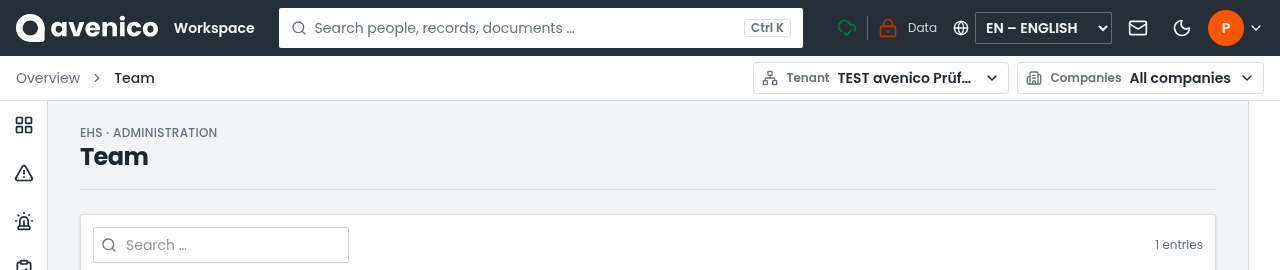
Example from a test account with fictional data - 2
Locate the desired person in the list under Name.
- 3
Open the member's role settings for editing.
- 4
Enable the option for additional hazard editing (Zusatz-Gefährdungsbearbeitung).
- 5
Save the role settings for the member.
What happens next
Tipp: The person now has permission to edit hazards within the tenant.
Troubleshooting
Achtung:
Is the role of group supervisor sufficient to edit hazards?
No. Being assigned as a supervisor in a group is not sufficient. The additional hazard editing permission must be enabled separately on the member.
Updated: 24/11/2026 · Version 2 · #89178928
Changes in this version: fix:2026-11-24:89178928