

Exporting a risk assessment as a PDF
Learn how to access a risk assessment and download it as a PDF document. The configured company branding is applied automatically.
Before you start
Hinweis:
- You have read access to the respective risk assessment.
- Company branding (logo and colors) is set up under company data.
How to do it
- 1
Click Gefährdungen (Hazards) in the main navigation.
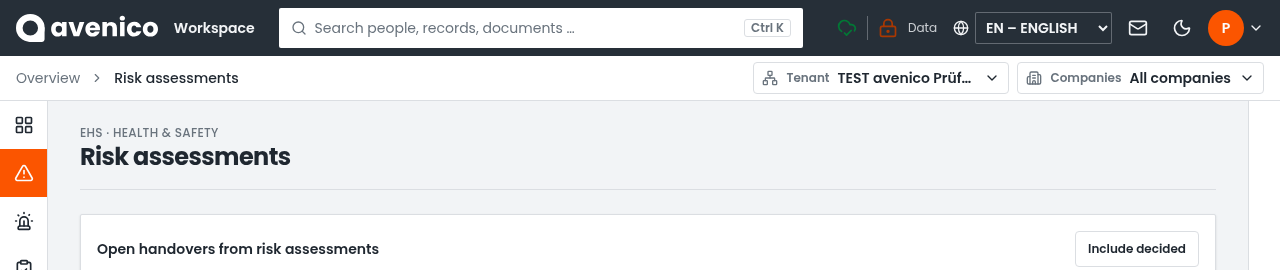
Example from a test account with fictional data - 2
Select and open the desired risk assessment from the overview list.
- 3
Select the export option for the PDF report within the assessment.
- 4
Download the generated PDF file and save it to your local device.
What happens next
Tipp: The PDF file is saved on your device, containing all recorded assessments and your company logo.
Troubleshooting
Achtung:
Is the downloaded PDF file encrypted on my computer?
No. The exported PDF is intentionally unencrypted and readable so it can be printed or distributed. Platform-level encryption applies only within the application.
Updated: 24/11/2026 · Version 2 · #98832733
Changes in this version: fix:2026-11-24:98832733