

Log implementation of a measure
In this article, you will learn how to record the current implementation status of an assigned measure. The status controls future reminders.
Before you start
- You must be assigned as responsible for the measure or have editor permissions.
How to do it
- 1
Open Hazards → Measures.
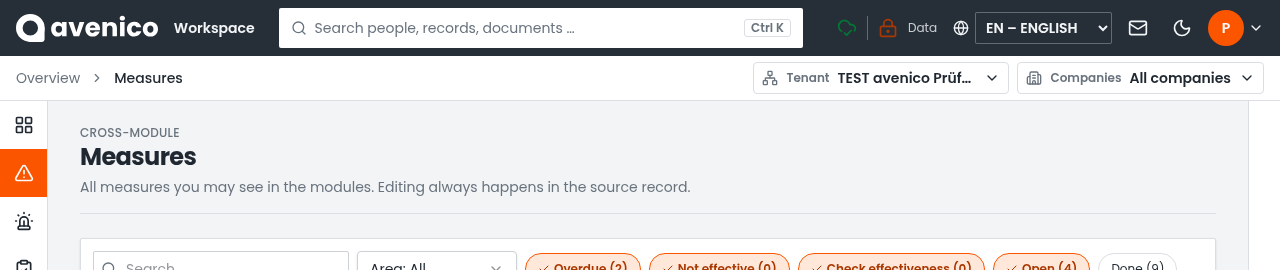
Example from a test account with fictional data - 2
If needed, filter the list using Open or locate the measure directly in the table.
- 3
Click the entry in the Measure column to view requirements and details.
- 4
Adjust the implementation status according to actual progress and enter details.
- 5
Save your entries to confirm the updated processing status.
What happens next
Troubleshooting
Is a measure considered completed once a reminder has been read or clarification has been taken over?
No. An open task is only completed when the status of the measure itself has been updated and saved accordingly.
Updated: 24/11/2026 · Version 2 · #23107670
Changes in this version: fix:2026-11-24:23107670