

Log Out and End Sessions
Logging out safely ends your active session in avenico and protects your data from unauthorized access.
Before you start
Hinweis:
- Save all open entries in forms.
How to do it
- 1
Click your profile icon (button showing your initials) in the top-right corner of the menu bar.
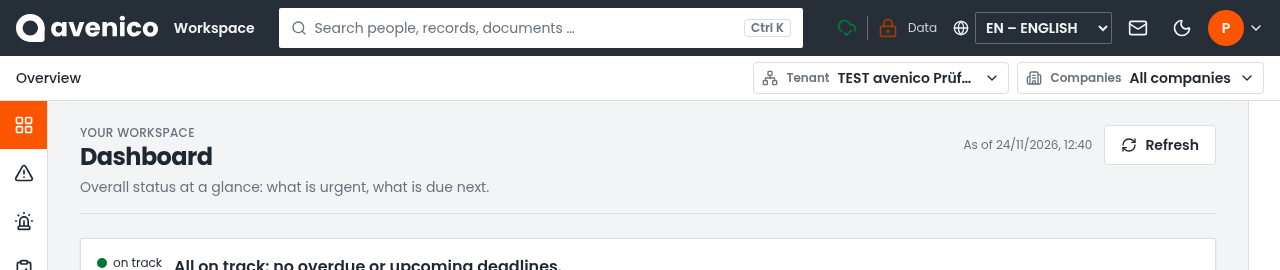
Example from a test account with fictional data - 2
Select the log-out option from the menu.
- 3
Close the browser window after logging out, especially on shared workstations.
What happens next
Tipp: Your session has ended. To access the system again, log in normally.
Troubleshooting
Achtung:
Why was a session in the employee portal ended automatically?
Personal access links for employees are time-limited for security reasons and expire automatically after inactivity. If needed, reopen your access link.
Updated: 24/11/2026 · Version 2 · #36485900
Changes in this version: fix:2026-11-24:36485900