

Process incoming report
You review incoming reports in the reports area, examine the details, and maintain the processing status.
Before you start
- You are logged in to the system and have access to the relevant client.
- A report has been submitted by employees or supervisors.
How to do it
- 1
Go to Incidents & reports → Reports.
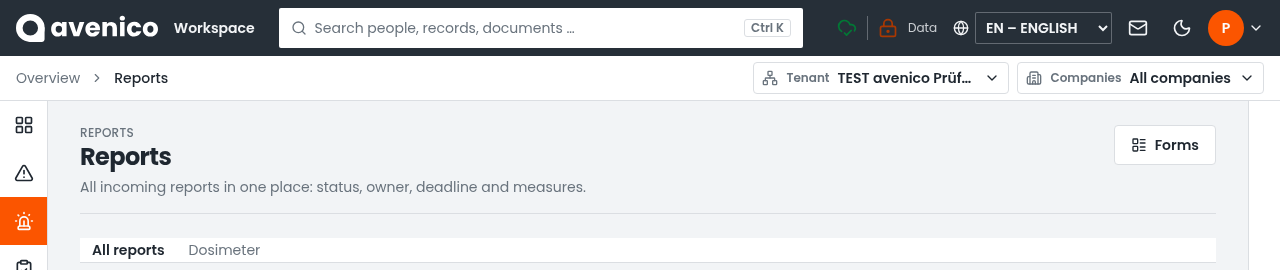
Example from a test account with fictional data - 2
Select the tab for all reports and optionally filter by status, such as New or Under review.
- 3
Click the relevant entry in the list using columns such as report, person, or location/device.
- 4
Review the recorded details, the facts of the incident, and the urgency.
- 5
Update the processing status to reflect progress (for example, setting it to under review, measure in progress, or completed).
What happens next
Troubleshooting
Is a statutory reporting obligation considered fulfilled when an internal report is closed?
No, updating or closing an internal report does not replace mandatory official accident notifications or statutory regulatory filings.
Updated: 24/11/2026 · Version 2 · #85143047
Changes in this version: fix:2026-11-24:85143047