

What employees see in the employee portal
Employees use the employee portal for their own EHS tasks. There is no access to employee files or administrative areas.
Before you start
- You have received a personal task link by email.
- A passkey has been registered on your device using an email confirmation code.
How to do it
- 1
Click the personal link in the received avenico email.
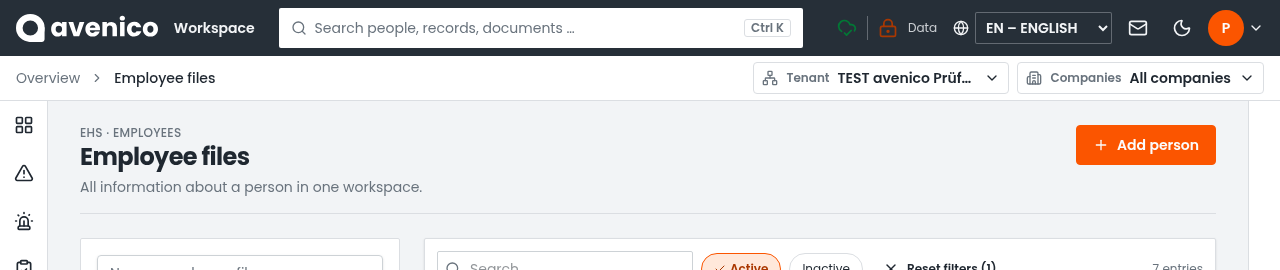
Example from a test account with fictional data - 2
Confirm your identity in the employee portal using your passkey.
- 3
View your upcoming training dates and open approved online sessions.
- 4
Complete assigned e-learning courses or mandatory knowledge tests.
- 5
Submit requests for occupational health appointments or report scheduled dates if needed.
- 6
Submit reports such as dosimeter readings using the provided forms.
What happens next
Troubleshooting
Does self-reporting an occupational health appointment fulfill the preventive care obligation?
No. Self-reporting an appointment does not fulfill any obligation and does not postpone any deadline. It merely pauses further appointment reminders.
Does booking a training date already confirm attendance?
No. A booking adds you to the list of participants, but does not confirm actual attendance.
When does the meeting link for online trainings become visible?
The link is only released after the responsible training lead has started the session.
Updated: 24/11/2026 · Version 2 · #18409391
Changes in this version: fix:2026-11-24:18409391