

Tracking cases and escalation steps
In the case overview, you can review the current status, deadlines, and the next action step for ongoing cases.
Before you start
- You are signed in to avenico.
- Your user account has read permissions for cases.
How to do it
- 1
In the main menu, open Cases & workflows → Cases & escalation.
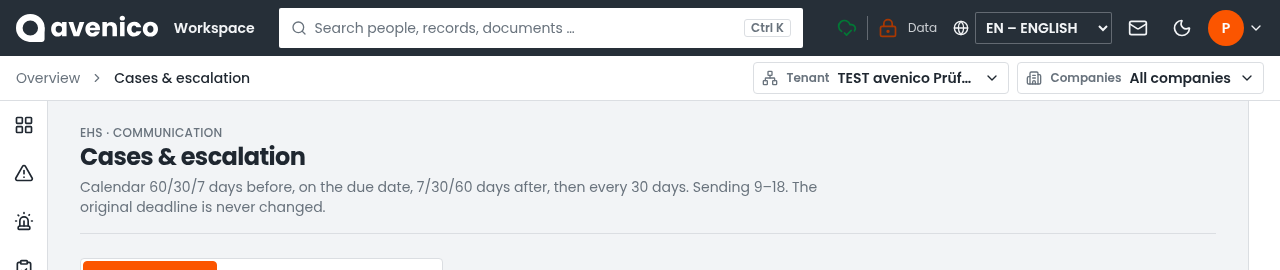
Example from a test account with fictional data - 2
Select the tab for current cases.
- 3
Locate the desired entry in the table using the columns for person and topic.
- 4
Check the columns for deadline and next step to review the processing state and upcoming actions.
- 5
If needed, click the button to take over clarification to record feedback or initiate next steps.
What happens next
Troubleshooting
Why are no cases visible in the table?
Check the company selector in the top bar and switch to the relevant company, or check the send list and review task tabs.
Do supervisors or unauthorized roles have access to confidential medical diagnoses?
No. Medical details and diagnoses remain restricted to occupational medicine and are not visible in general cases.
Updated: 24/11/2026 · Version 2 · #47071396
Changes in this version: fix:2026-11-24:47071396