

Create company
Companies form organizational units within your tenant. You manage and register them under company data within your contractual limits.
Before you start
- You are logged in with administrator or owner privileges.
- Your subscription plan allows multiple or additional companies.
How to do it
- 1
In the navigation, open Company data.
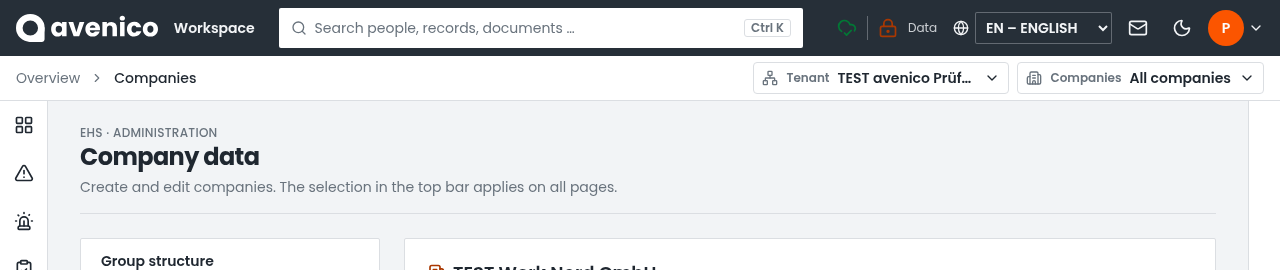
Example from a test account with fictional data - 2
Select the option to add another company.
- 3
Fill in the mandatory fields such as Company name, Street and house number, and Postal code and city.
- 4
Add optional contact and master data, then save the record.
What happens next
Troubleshooting
Why can no additional company be created?
Depending on your plan, the number of companies is limited. Contact tenant administration or support to upgrade your quota.
Why does saving fail?
Ensure that all required fields marked with an asterisk are filled in and that the address format is valid.
Updated: 24/11/2026 · Version 2 · #18989526
Changes in this version: fix:2026-11-24:18989526