

Create risk assessment
Learn how to create a new risk assessment for a work area or activity in the hazards module.
Before you start
Hinweis:
- You need a user account with editing permissions for risk assessments (e.g. additional risk assessment editing rights).
- The target company must be selected in the top bar.
How to do it
- 1
In the main navigation, open Gefährdungen.
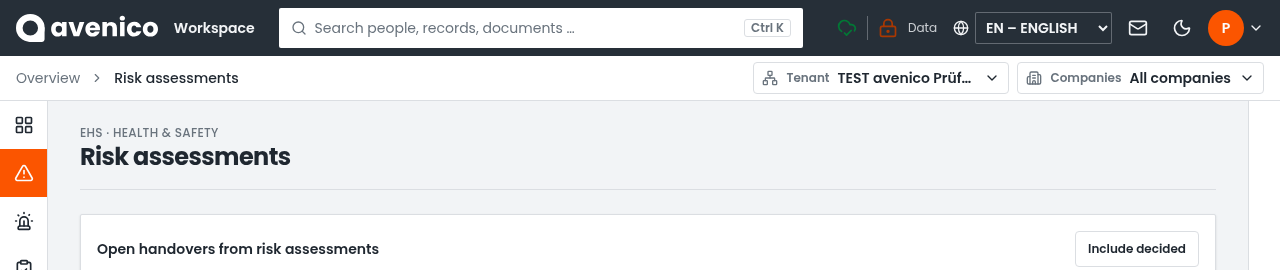
Example from a test account with fictional data - 2
Use the company selector in the top bar to choose the relevant company.
- 3
Click the button to create a new risk assessment.
- 4
Enter the title, area or activity, and affected groups of people.
- 5
Save the new record.
What happens next
Tipp: The risk assessment has been created and can now be populated with specific hazards and measures.
Troubleshooting
Achtung:
Why is there no button to create a risk assessment?
Your user account may have read-only access for the selected company. An administrator can assign the necessary editing rights for risk assessments.
Updated: 24/11/2026 · Version 2 · #99111933
Changes in this version: fix:2026-11-24:99111933