

Export data
Create an export of your personal profile data directly from your user account.
Before you start
- You are signed in to your user account in avenico.
How to do it
- 1
Click your profile icon with your initials in the top header bar to open your profile.
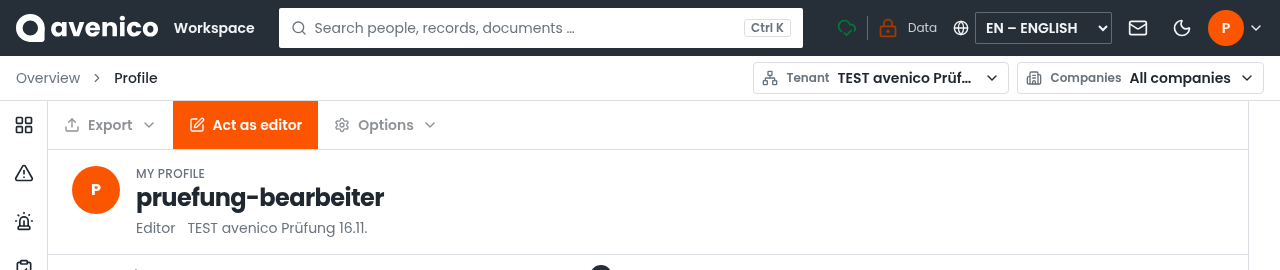
Example from a test account with fictional data - 2
Click the Export button in the upper section of your profile page.
- 3
Confirm the action and download the generated export file to your computer.
What happens next
Troubleshooting
Are downloaded training and certificate PDFs password-protected?
No. PDF documents downloaded from the application are unencrypted for authorized users and can be opened with standard PDF viewers.
How can a complete export of the entire tenant be obtained upon contract termination?
Complete tenant-level exports upon contract termination cannot be triggered from the user profile; they must be coordinated through tenant administration or support.
Updated: 24/11/2026 · Version 2 · #61538391
Changes in this version: fix:2026-11-24:61538391