

Check the version of a law
avenico checks the official version of laws and ordinances automatically every night. You can also start the check right away.
Before you start
Hinweis:
- Check now requires the Editor or administrator role.
How to do it
- 1
In the workspace, open Audits & legal register and switch to the Legal register tab.
- 2
Click Check now at the top if you don't want to wait until the night.
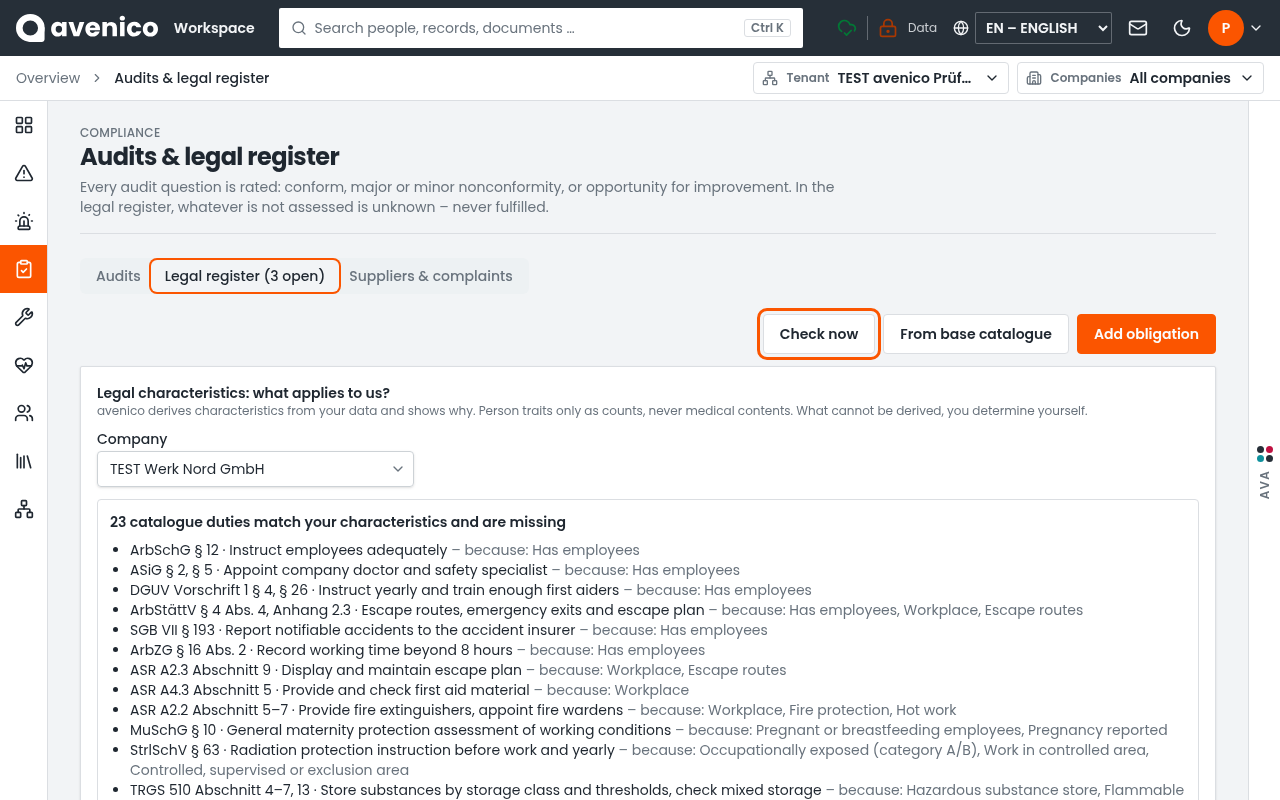
Example from a test account with fictional data - 3
In the table, click a duty in the Legal basis column and look under Official version (checked automatically every day) to see which version applies.
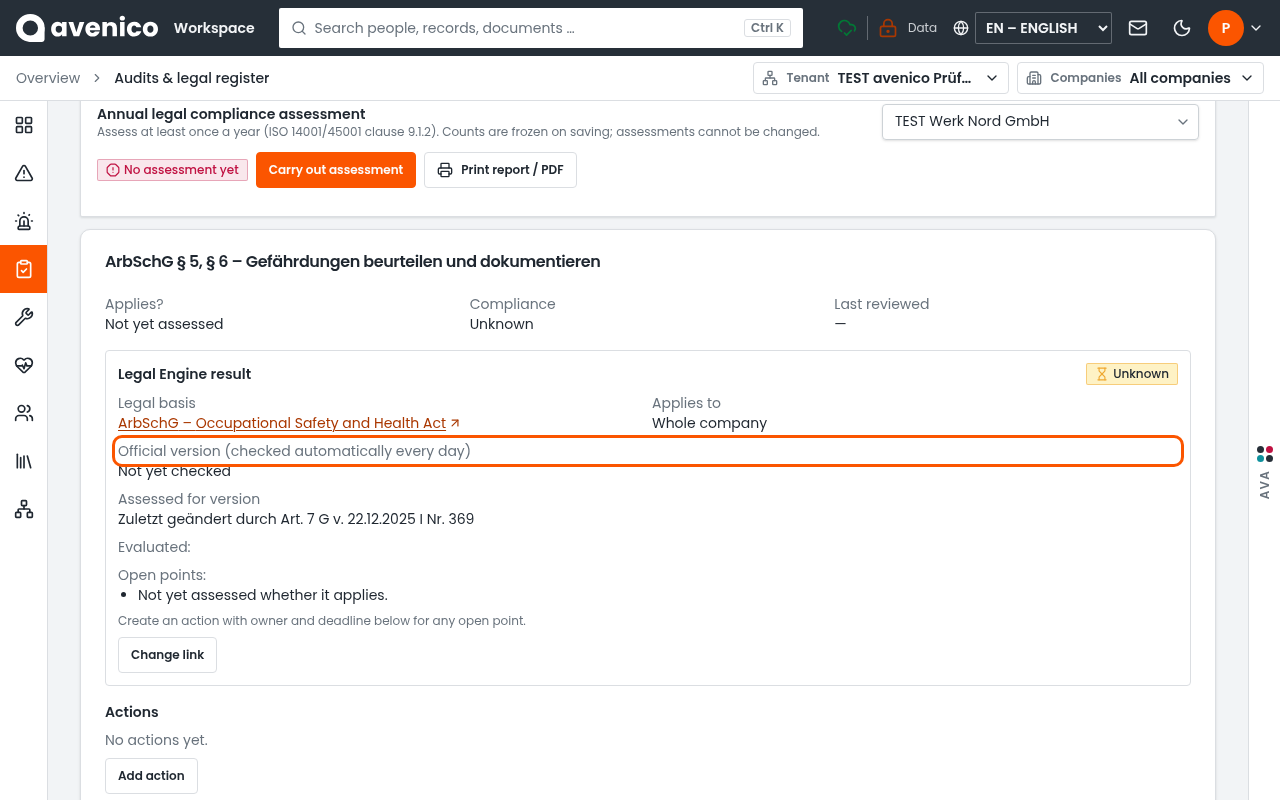
Example from a test account with fictional data
What happens next
Tipp: avenico fetches the current version and the related sections. If a check ran within the last 10 minutes, it is skipped.
Troubleshooting
Achtung:
It says “last fetch failed”.
The source could not be reached. This never counts as “unchanged”. Try again later.
Updated: 24/11/2026 · Version 1 · #32949449
Changes in this version: seed:help-2026-11-24:legal:sync