

Maintain company details and address
Maintain the address and contact details of the respective company directly in the company data.
Before you start
Hinweis:
- You have administrator or owner permissions in the tenant.
- The relevant company has been created.
How to do it
- 1
In the navigation area, select Company data.
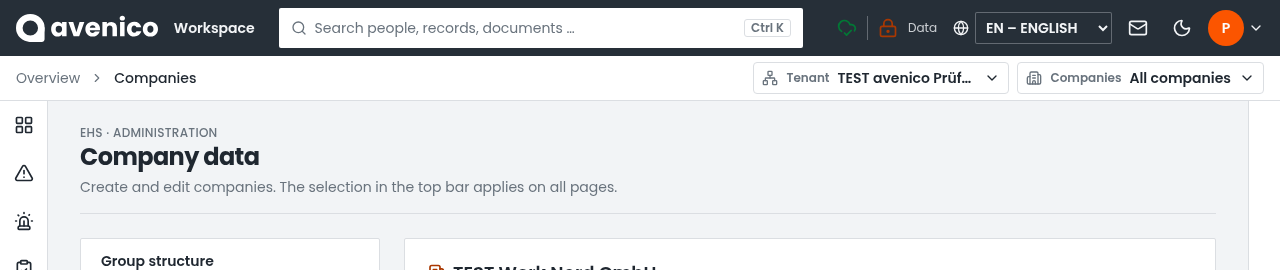
Example from a test account with fictional data - 2
Select the desired company from the company list.
- 3
Update the country, street and house number, and postal code and city as needed.
- 4
Click on verify address to validate the entered address.
What happens next
Tipp: The company data and address details are updated.
Troubleshooting
Achtung:
Why are postal code and city entered in a single field?
The combined field supports international address structures and ensures that leading zeros in postal codes are retained.
Achtung:
What does the address check button do?
The address verification checks the entered address against reference data to verify spelling and city details.
Updated: 24/11/2026 · Version 2 · #84087432
Changes in this version: fix:2026-11-24:84087432