

Departure of a Person
If a person is deactivated or leaves, avenico blocks their personal access and stops open processes.
Before you start
Hinweis:
- You have editing permissions for employee records.
- The departure date is known or the departure takes place immediately.
How to do it
- 1
Navigate to People → Employee files.
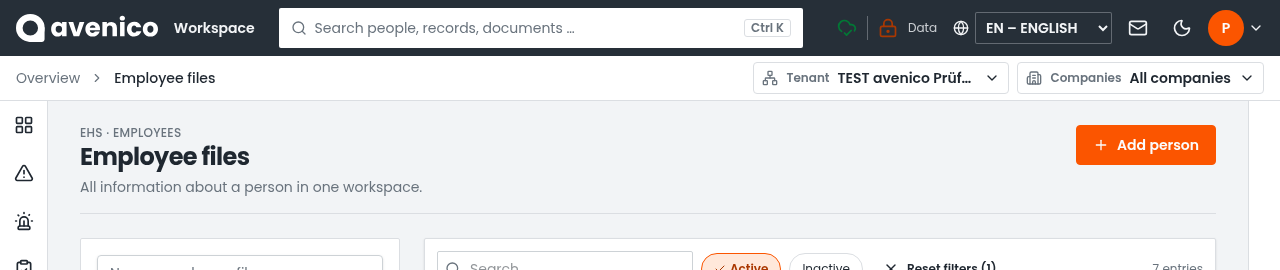
Example from a test account with fictional data - 2
Select the file of the departing person from the list.
- 3
Enter the departure date or set the status to inactive.
- 4
Save the changes to the file.
What happens next
Tipp: The person's personal passkeys and sessions become invalid. Open links expire, future bookings end, and scheduled emails to the person are stopped. Historical records are retained.
Troubleshooting
Achtung:
Are passkeys physically deleted from the person's device?
No. Keys on the device cannot be remotely deleted, but the server will reject any future authentication with them.
Achtung:
What happens if the file is reactivated later?
Reactivation lifts the block, but does not automatically restore revoked passkeys or expired links. A new access must be set up.
Updated: 24/11/2026 · Version 2 · #47267458
Changes in this version: fix:2026-11-24:47267458