

What are Workflows?
Workflows and cases organize pending reviews, feedback, and deadlines reliably in avenico. They consolidate tasks across module boundaries and steer subsequent processing steps.
Before you start
- You are logged in to the avenico workspace.
- Your user account has access to cases (administrator rights are required to define custom workflows).
How to do it
- 1
In the navigation bar, open Cases & workflows → Cases & escalation.
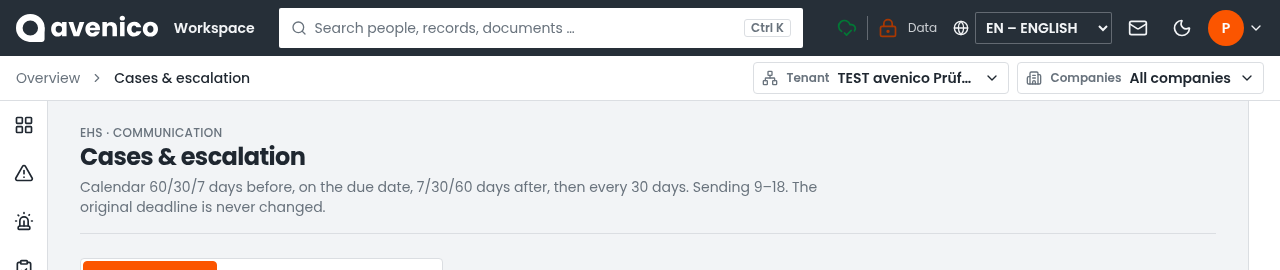
Example from a test account with fictional data - 2
Select the relevant tab: Aktuelle Vorgänge (5) (Current cases), Versandliste (0) (Send list), or Prüfaufgaben (4) (Review tasks).
- 3
Review the information in the columns Person, Thema (Topic), Frist (Deadline), and Nächster Schritt (Next step).
- 4
Click Klärung übernehmen (Take over clarification) on an item to assign the clarification to yourself and record feedback.
What happens next
Troubleshooting
Why do I not see the "Workflows" menu item?
The "Workflows" menu item for setting up custom approvals, conditions, and reminders is restricted to administrator accounts.
What does clicking "Take over clarification" do?
It assigns the clarification of the case to you and opens the form field to enter and save feedback.
Updated: 24/11/2026 · Version 2 · #75328815
Changes in this version: fix:2026-11-24:75328815