

Help Requested: Processing Review Tasks
Employee feedback and clarification requests appear as review tasks and can be taken over and answered directly.
Before you start
- You are logged in with editing or administrative permissions.
- An employee has submitted feedback or a clarification request.
How to do it
- 1
Navigate in the menu to Cases & workflows → Cases & escalation.
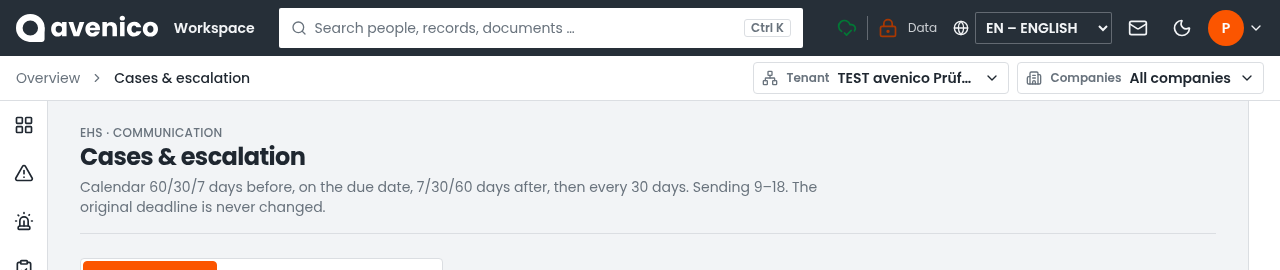
Example from a test account with fictional data - 2
Open the tab for review tasks (Prüfaufgaben).
- 3
Locate the entry using the person, topic, and deadline.
- 4
Click Klärung übernehmen (Take over clarification) in the corresponding row.
- 5
Enter the outcome under feedback and click Rückmeldung speichern (Save feedback).
What happens next
Troubleshooting
Does a help request during a knowledge test consume an employee's attempt?
No. Submitting a clarification note or reporting an issue does not consume a test attempt and displays no answers.
Can a user with read-only access resolve a review task?
No. Editing permissions are required to take over clarification and save a response.
Updated: 24/11/2026 · Version 2 · #37448807
Changes in this version: fix:2026-11-24:37448807