

My link has expired
Personal links and invitations in avenico have fixed validity periods. Here you will learn how to obtain or request a new access link.
Before you start
- You received an access link for a task, training, or invitation.
- When opening the link, the page indicates that the link is expired or invalid.
How to do it
- 1
Check the type of link: Is it a supervisor invitation, a deadline task, or access to the employee portal?
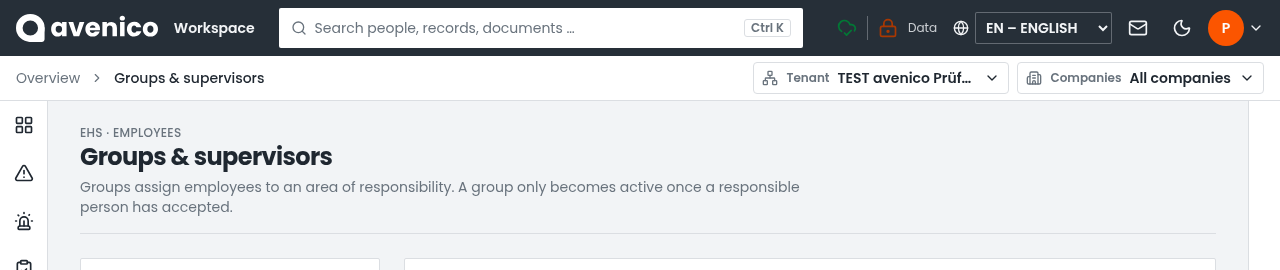
Example from a test account with fictional data - 2
Note the validity periods: Supervisor invitations are valid for seven days, while one-time login codes for the employee portal expire after ten minutes.
- 3
Request a new six-digit login code directly on the portal page for your personal employee access.
- 4
For supervisor invitations, contact your administrator; they can access the group under People → Groups & supervisors and resend the invitation link.
- 5
Open only the most recently received link, as generating a new link immediately invalidates all previous links and codes for that person.
What happens next
Troubleshooting
Does my previous link remain valid if a new one has been generated?
No. A newly generated link or code immediately replaces and invalidates all previous open links.
Does an expired link postpone my statutory deadline?
No. An expired access link does not postpone any statutory or operational deadlines.
Updated: 24/11/2026 · Version 2 · #99618666
Changes in this version: fix:2026-11-24:99618666