

Schedule dates
In this article you will learn how to create training sessions, define participant capacities, and prepare session bookings.
Before you start
- You are logged into your workspace.
- You have the editor role or comparable permissions for training management.
How to do it
- 1
Navigate in the menu to Trainings → Trainings.
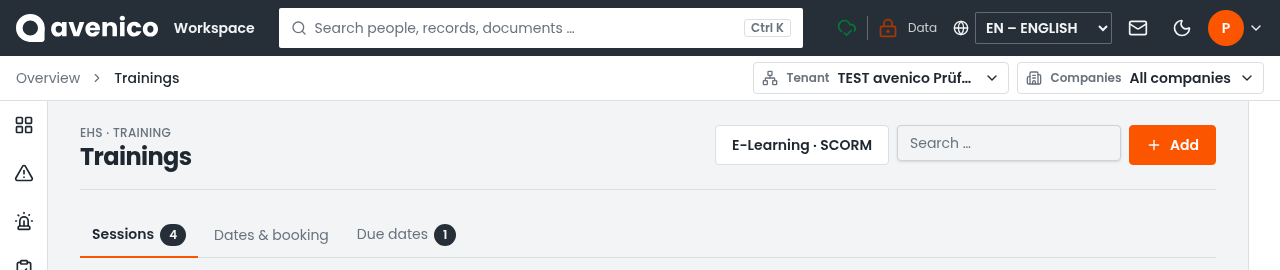
Example from a test account with fictional data - 2
Select the Termine & Buchung tab.
- 3
Click on the Hinzufügen button.
- 4
Select the company and enter the topic, title, location, and the training lead.
- 5
Define the sessions including date, time, and maximum capacity.
- 6
Save your entries to create the training session.
What happens next
Troubleshooting
Can employees already book a session while it is being prepared?
No. A session can only be booked after it has been properly saved and made available to participants.
What happens if simultaneous bookings occur when maximum capacity is reached?
Available spaces are verified on the server side. Once the maximum capacity is reached, no further regular bookings are accepted.
Updated: 24/11/2026 · Version 2 · #19425027
Changes in this version: fix:2026-11-24:19425027