

View dosimeter reports
In avenico, you can view and review submitted dosimeter reports and dose values via the reports overview.
Before you start
Hinweis:
- You are logged in to avenico with an active user account.
- You have access to the Incidents & reports module.
How to do it
- 1
Navigate in the menu to Incidents & reports → Reports.
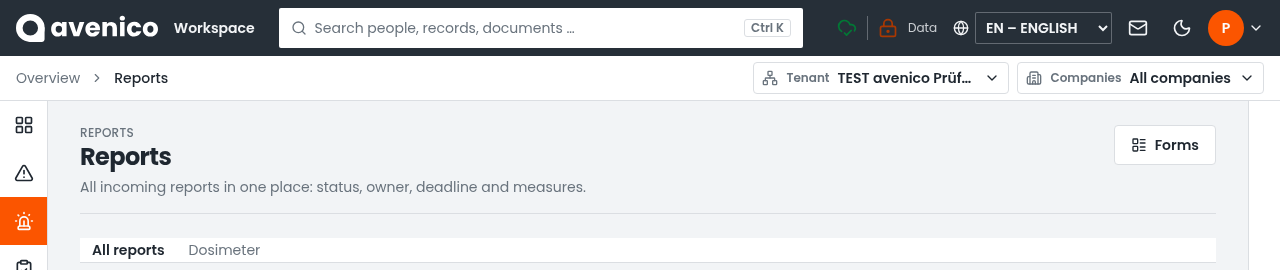
Example from a test account with fictional data - 2
Click the Dosimeter tab at the top.
- 3
Review the submitted dosimeter reports and dose values in the list.
- 4
If needed, click Auch entschiedene to display already processed or decided records.
What happens next
Tipp: The list filters the dosimeter records according to your selection and is ready for further review.
Troubleshooting
Achtung:
Does a submitted dosimeter report count as an official dose notice?
No, a recorded report in the system does not constitute an official dose notice and does not replace official regulatory records.
Updated: 24/11/2026 · Version 2 · #70348616
Changes in this version: fix:2026-11-24:70348616