

Appoint a safety specialist or company doctor
How to document the appointment of a safety specialist, company doctor, or radiation protection officer.
How to do it
- 1
In the menu, navigate to People → Safety specialist & doctor.
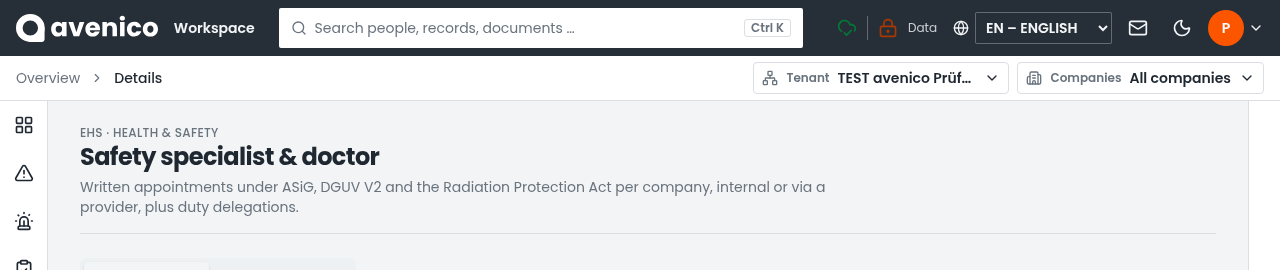
Example from a test account with fictional data - 2
Click the button to record a new appointment (Bestellung erfassen).
- 3
Select the role (Funktion), company (Unternehmen), and type (Art), and enter the appointed person or external provider under Name / Dienst.
- 4
Specify the effective date under Bestellt ab and save the form.
- 5
Download the draft PDF, obtain the required signatures, and upload the signed document back into the record.
What happens next
Troubleshooting
There is an official authority notice required for radiation protection roles.
avenico generates the necessary documents but does not submit them automatically. Forward the form to the responsible authority and record the notification date in the system.
Related articles
Updated: 24/11/2026 · Version 2 · #24395071
Changes in this version: fix:2026-11-24:24395071