

Create a custom role with area permissions
How to create your own role that allows no access, read or edit per area.
Before you start
Hinweis:
- You are the super admin or an administrator.
How to do it
- 1
In the navigation, open Members & roles.
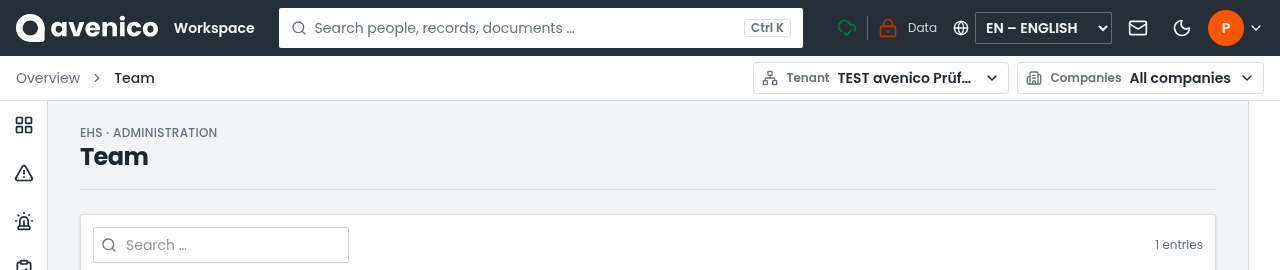
Example from a test account with fictional data - 2
In the Custom roles section, click Create role, enter a name and choose no access, read or edit for each area. Save the role.

Example from a test account with fictional data - 3
Assign the role to a person: click Edit in their row.

Example from a test account with fictional data
What happens next
Tipp: The person only sees the areas in the navigation that their role allows. A custom role is never more than an administrator.
Troubleshooting
Achtung:
“Delete” is greyed out for a role.
The role is still assigned to people. Give them another role first.
Updated: 24/11/2026 · Version 2 · #49381345
Changes in this version: fix:2026-11-24:49381345