

Read employee file
The employee file consolidates master data and cross-functional EHS tasks of a person in one place. Which data you see depends on your role and company authorization.
Before you start
- You are logged in to avenico.
- You have at least read permissions for the relevant company.
How to do it
- 1
Open People → Employee files.
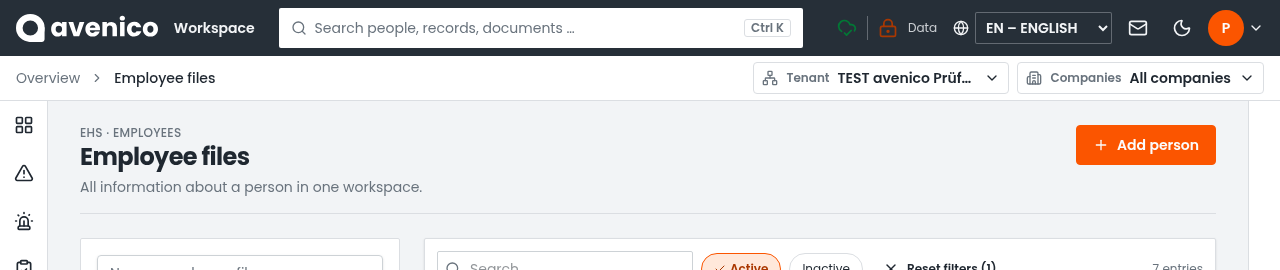
Example from a test account with fictional data - 2
Select the desired person from the table.
- 3
Review master data such as name, company, activity, email, and status.
- 4
Switch to the other sections of the file to check the current status of trainings, occupational health, or reports.
What happens next
Troubleshooting
Why can I not see medical findings as a supervisor?
Supervisors only see organizational deadlines for their assigned groups. Medical records and findings are blocked for supervisors for privacy reasons.
Does an 'unknown' status count as proof?
No. An unknown status never counts as fulfilled in the system.
Updated: 24/11/2026 · Version 2 · #98417198
Changes in this version: fix:2026-11-24:98417198